环境说明
| IP | HOSTNAME | NOTE |
|---|---|---|
| 10.10.10.88 | win10_dqy | 实验主机 |
powershell脚本内容如下:
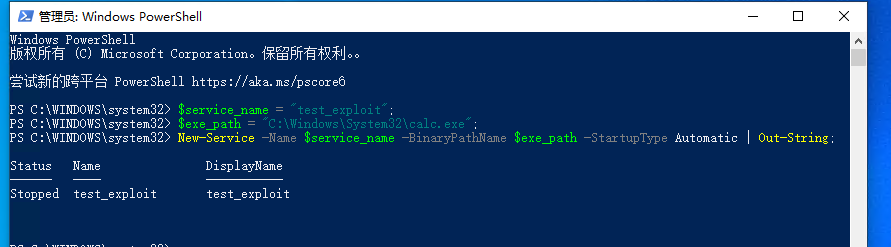
- 以管理员权限打开 powershell 创建Windows服务
$service_name = "test_exploit";
$exe_path = "C:\Windows\System32\calc.exe";
New-Service -Name $service_name -BinaryPathName $exe_path -StartupType Automatic | Out-String;
- 如下图:
清理命令
- 如果windows服务正在运行,则首先需要先停止
Stop-Service -Name "test_exploit";
- 停止服务后,进行删除
sc.exe delete "test_exploit";
