Environment
| IP | HOSTNAME | NOTE |
|---|
| 10.10.10.88 | win10_dqy | Lab host |
powershell Script Contents:
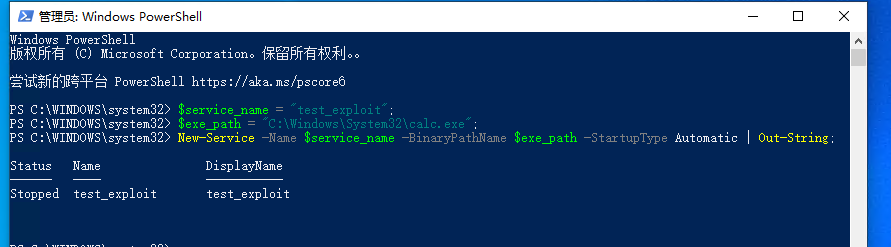
- Open powershell with administrator privileges and create a Windows service.
$service_name = "test_exploit";
$exe_path = "C:\Windows\System32\calc.exe";
New-Service -Name $service_name -BinaryPathName $exe_path -StartupType Automatic | Out-String;
Cleanup Commands
- If the windows service is running, it must first be stopped.
Stop-Service -Name "test_exploit";
- Delete it after stopping the service.
sc.exe delete "test_exploit";
