Environment
| IP | HOSTNAME | NOTE |
|---|---|---|
| 10.10.10.88 | win10_dqy | Lab host |
Reproduction Process
Set a file as hidden
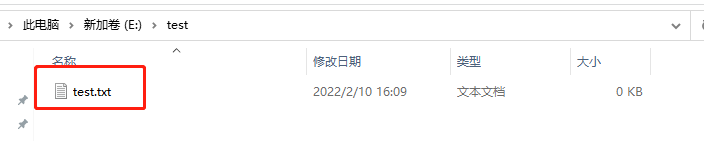
- As shown, a test.txt file exists in the E:\test directory.
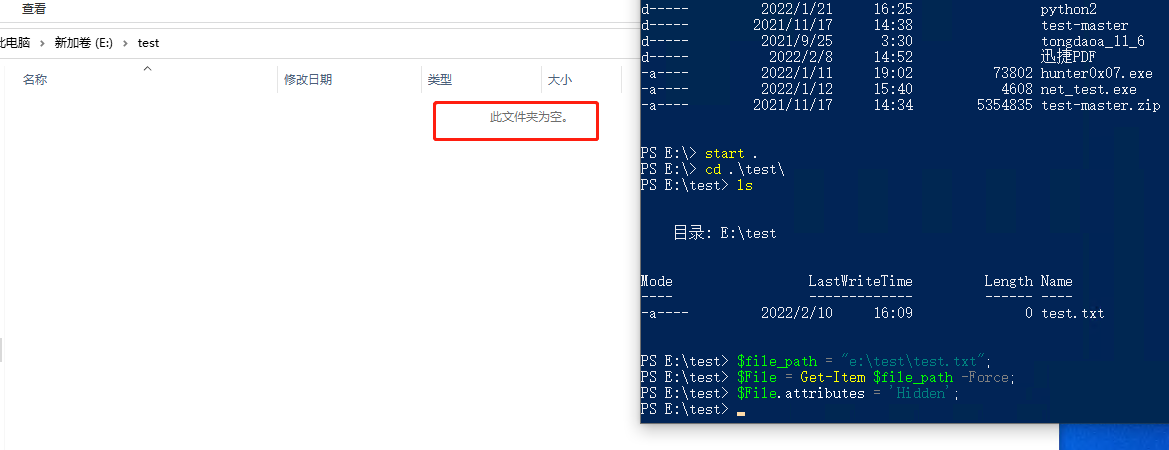
- Set the file's attributes to hidden through PowerShell:
$file_path = "e:\test\test.txt";
$File = Get-Item $file_path -Force;
$File.attributes = 'Hidden';