Environment
IP | HOSTNAME | NOTE |
|---|
| N/A | win10 | Test machine |
Related Scripts
Determine Network Connectivity
- Before executing a malicious script, an attacker will typically determine the victim host's network connectivity. If the victim host's network environment is functioning normally, subsequent attack steps are performed (such as obtaining victim host information and connecting to the
C2 server to upload the collected information).
- Network connectivity can be determined in several ways, such as using
Ping, Test-Connection, or a GET request to a website.
Ping Command:
ping mail.163.cn # 默认发送四个ICMP数据包
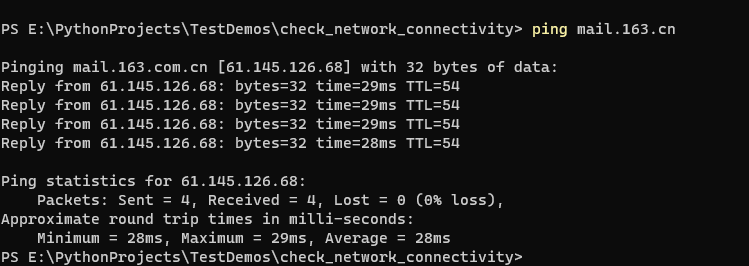
Test-Connection:
Test-Connection mail.163.cn # 默认发送四个ICMP数据包

Write a powershell Script
$server = "mail.163.cn"
$result = @{}

if (Test-Connection "mail.163.cn" -Count 2) {
    $result.add($server, "OK")
} else {
    $result.add($server, "FAILED")
}

$result
The powershell Script Execution Result Is Shown Below:
