Background
- I have recently started exploring Sliver. To deepen my understanding of its functionalities and capabilities, I plan to learn more by debugging and experimenting with its various of features.
Key Steps
Environment Setup
-
Goland
-
Go v1.21 or later
-
Delve Installation
https://github.com/go-delve/delve/tree/master/Documentation/installation
-
Sliver source code
-
Kali Linux: For Sliver Server running.
Debugging Server
- If we need to frequently modify the Sliver code during the debugging process, it is recommended to compile and running the code each time using the following commands:
dlv debug \
--build-flags="-tags osusergo,netgo,go_sqlite,server -ldflags='-X github.com/bishopfox/sliver/client/version.Version=1.1.2 -X github.com/bishopfox/sliver/client/version.CompiledAt=Never -X github.com/bishopfox/sliver/client/version.GithubReleasesURL=github.com -X github.com/bishopfox/sliver/client/version.GitCommit=aabbcc -X github.com/bishopfox/sliver/client/version.GitDirty=Dirty'" \
--headless \
--listen=:2345 \
--api-version=2 \
--log \
github.com/bishopfox/sliver/server
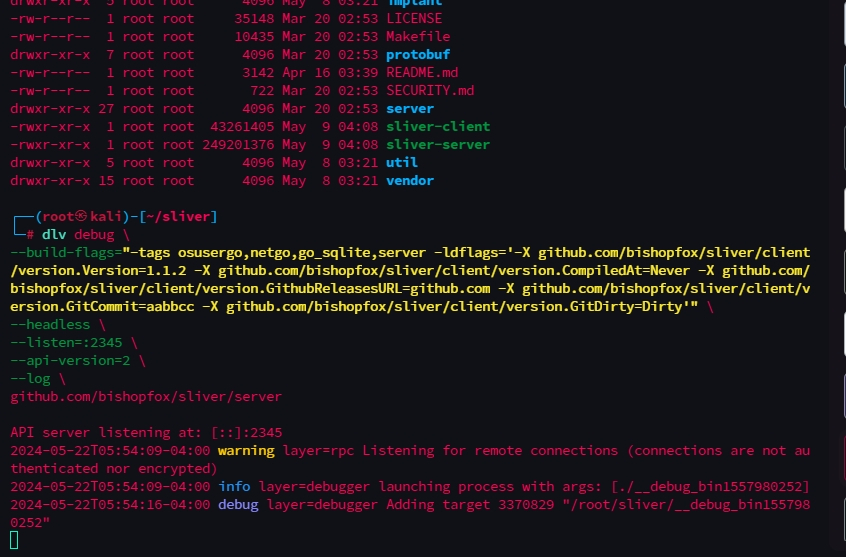
- If we do not frequently modify the Sliver code, we only need to compile once. Then, we can run it each time without recompiling, which saves our compilation time.
# compile
go build -tags osusergo,netgo,go_sqlite,server -ldflags='-X github.com/bishopfox/sliver/client/version.Version=1.1.2 -X github.com/bishopfox/sliver/client/version.CompiledAt=Never -X github.com/bishopfox/sliver/client/version.GithubReleasesURL=github.com -X github.com/bishopfox/sliver/client/version.GitCommit=aabbcc -X github.com/bishopfox/sliver/client/version.GitDirty=Dirty' -o sliver_server github.com/bishopfox/sliver/server

# run
dlv exec \
--headless \
--listen=:2345 \
--api-version=2 \
--log \
./sliver_server
- We configure the local Goland Debug option to prepare for debugging.
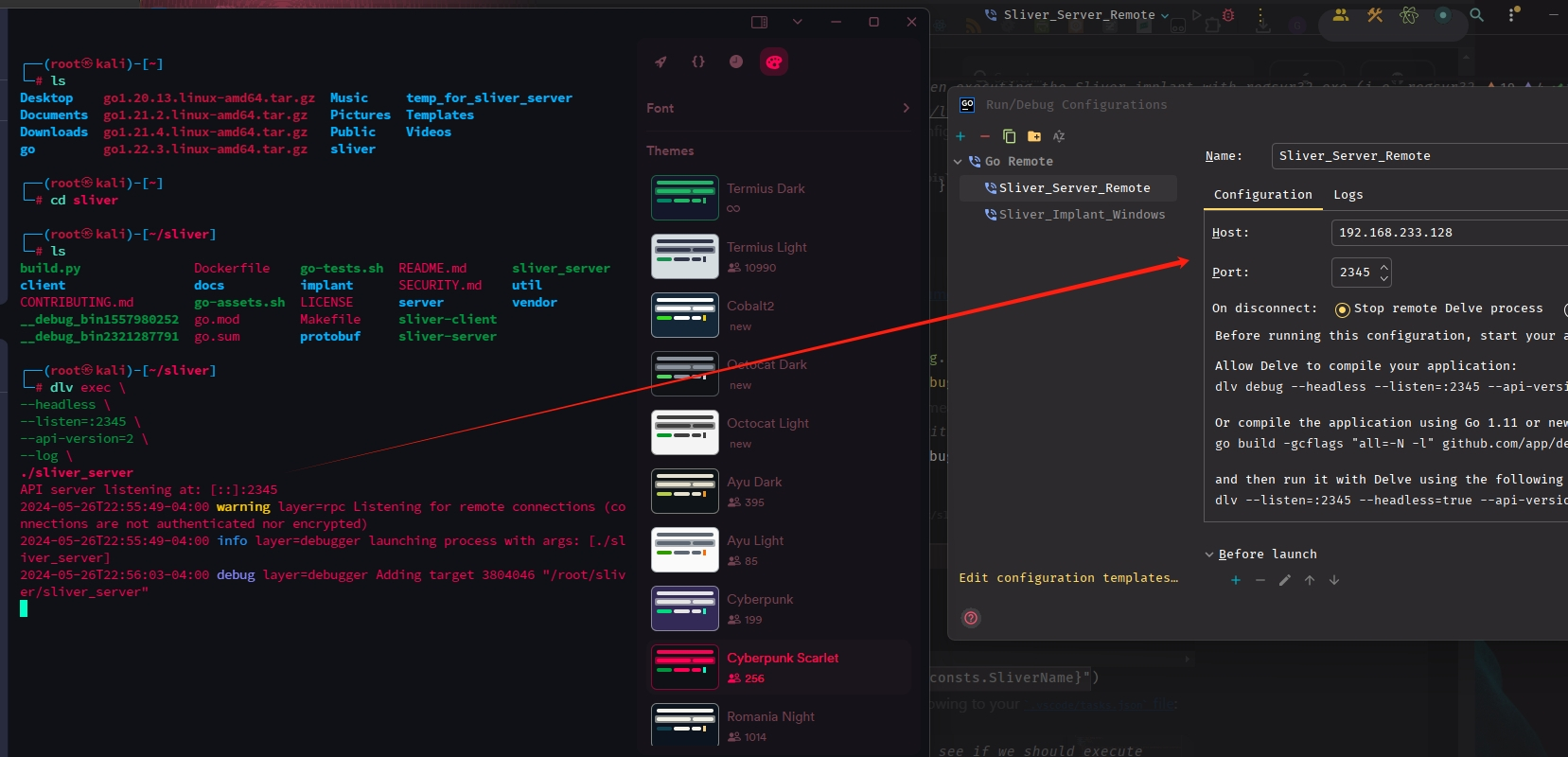
- Set breakpoints to start debugging the Sliver server.
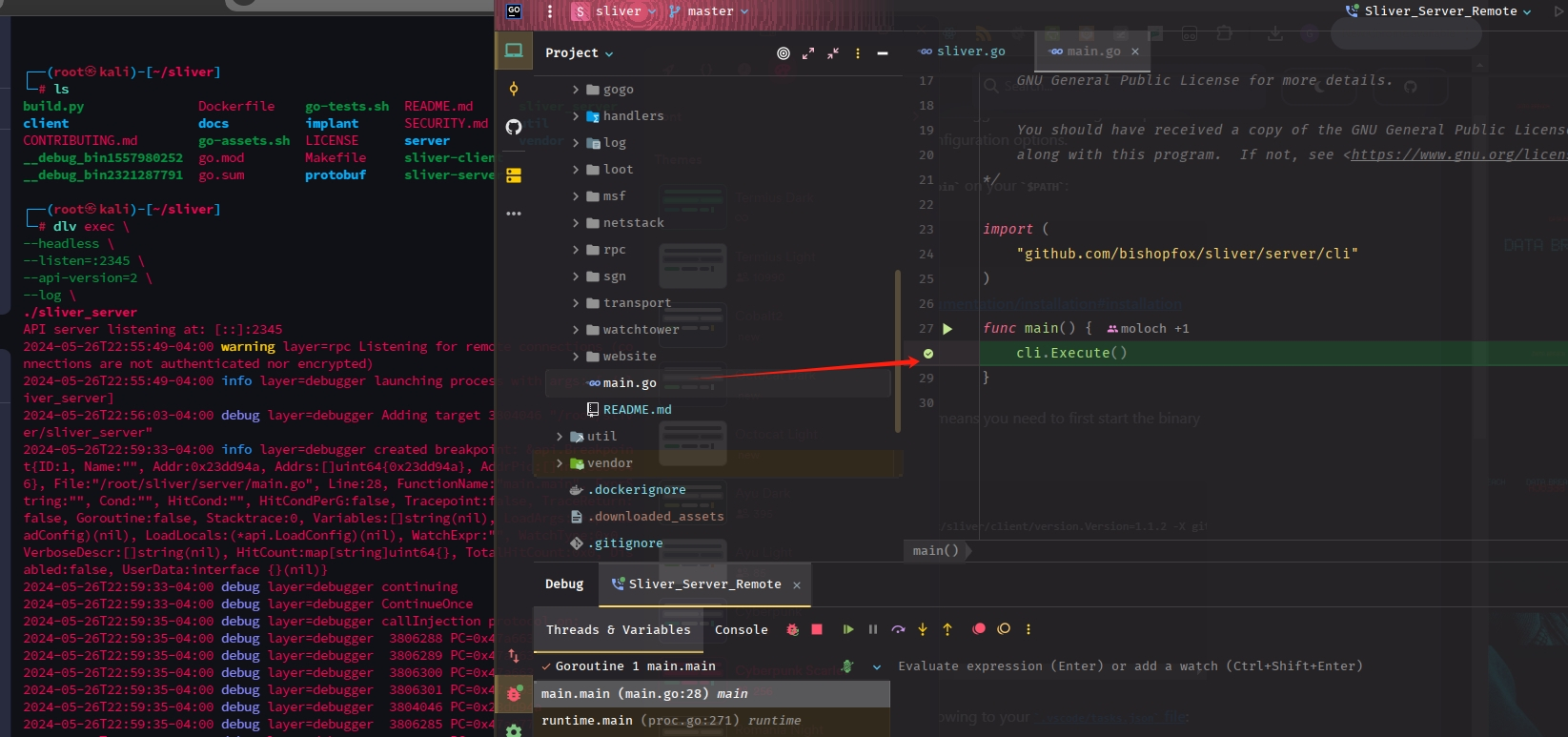
-
Next, we need to ensure that the code in our local(Goland) environment remains consistent with the Sliver code in the virtual machine.
-
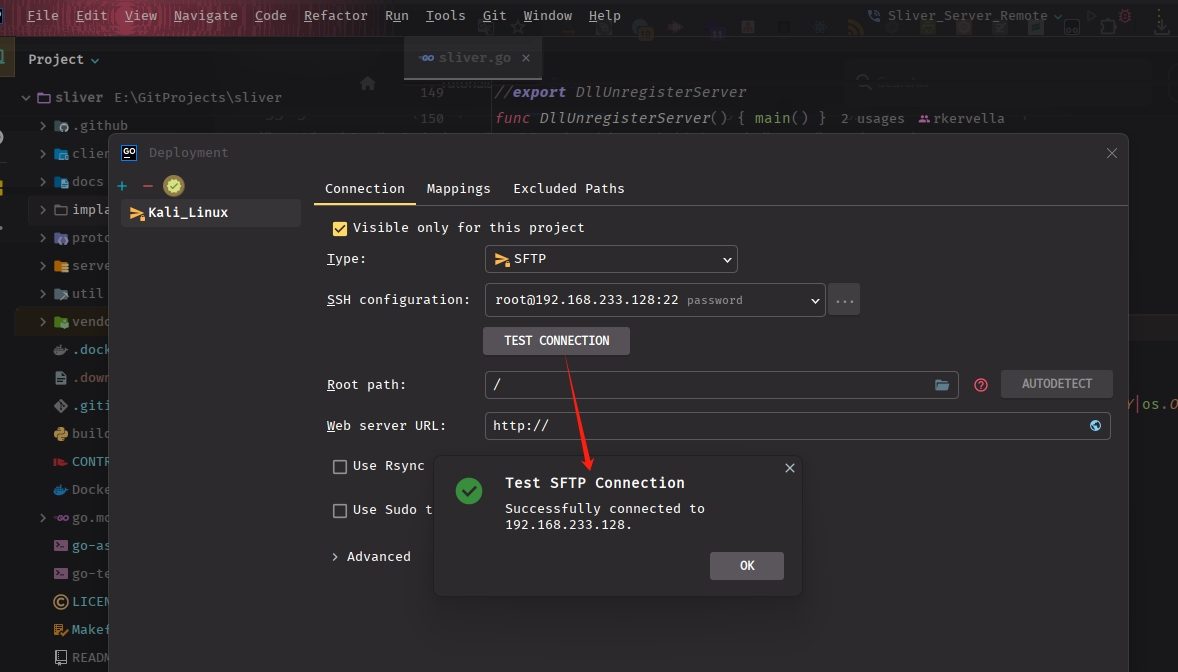
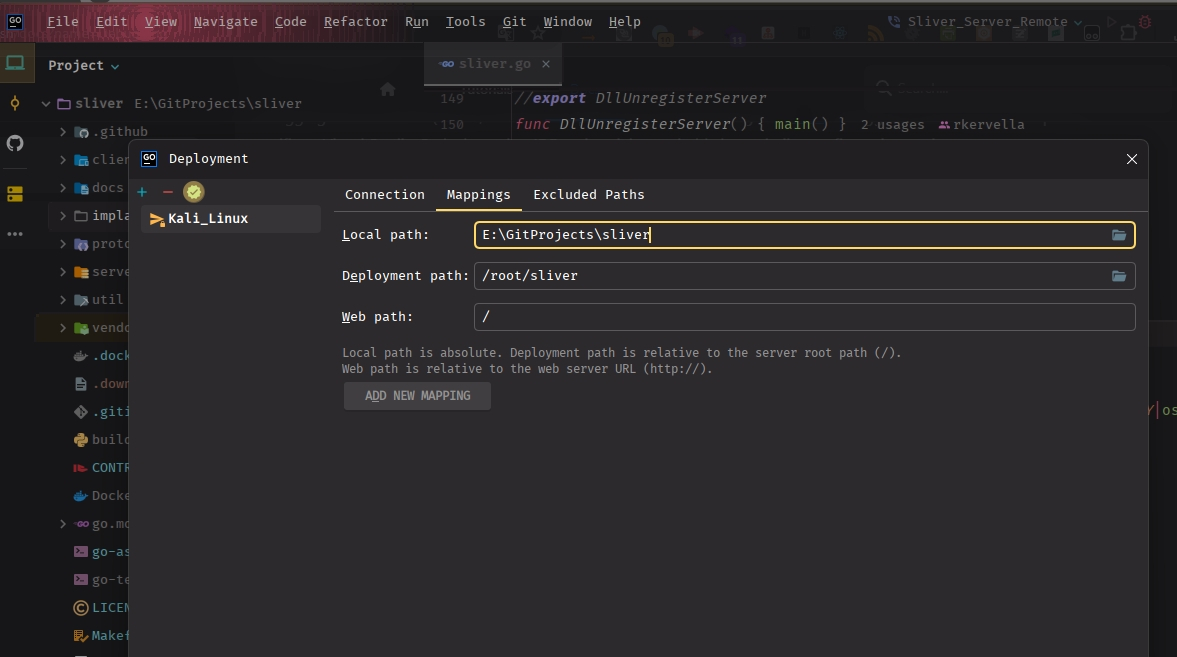
In Goland, there is a configuration option under Tools → Development → Configuration. By setting up directory mappings, you can modify the code locally in Goland and synchronize it with the virtual machine. This allows you to compile the latest code efficiently.
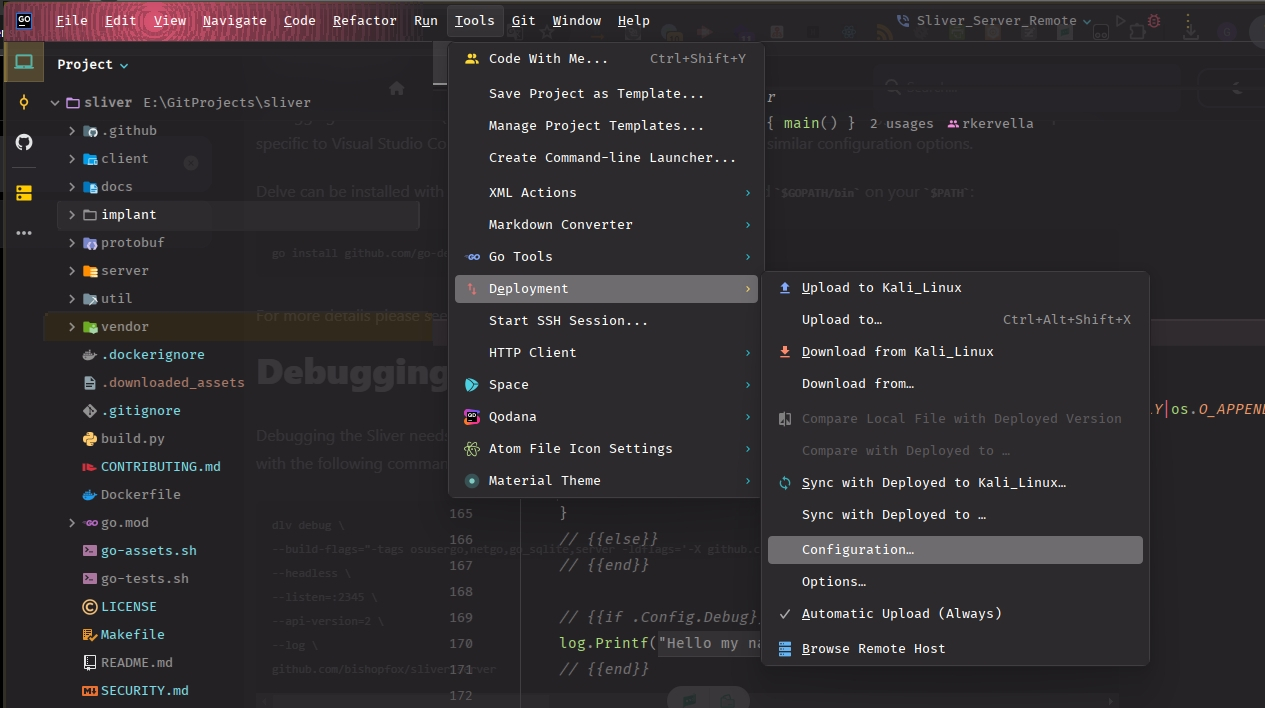
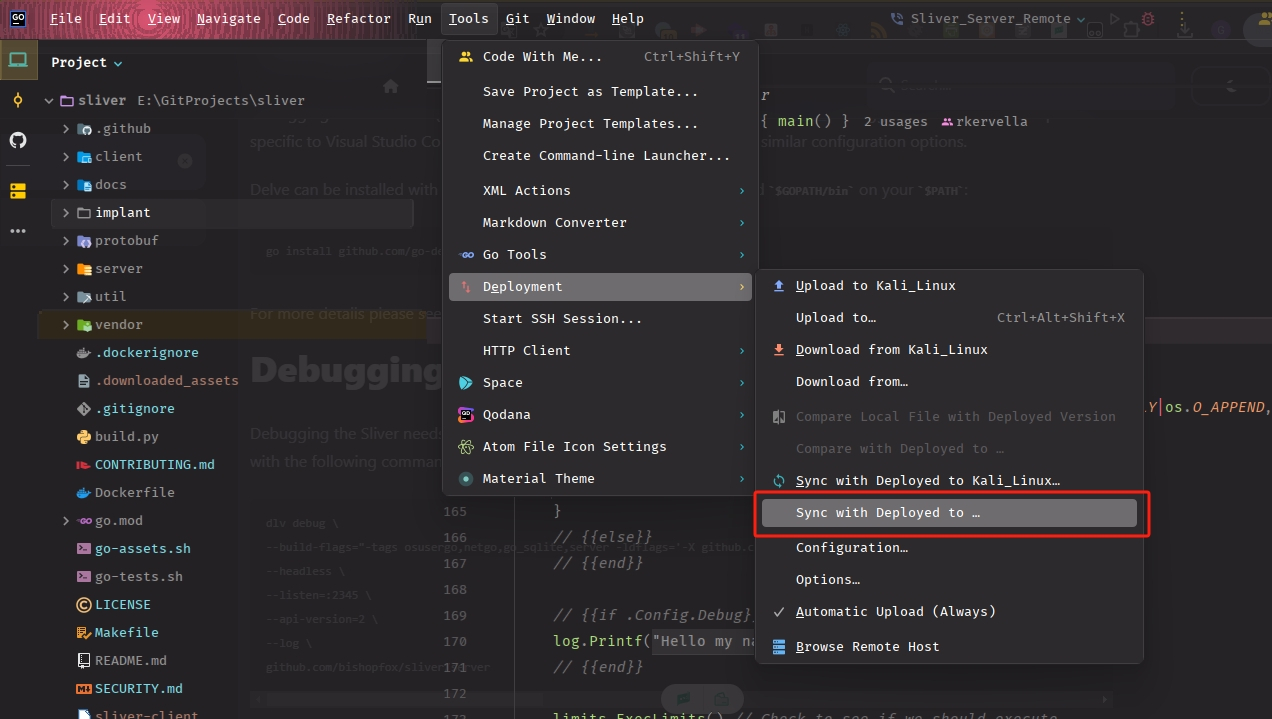
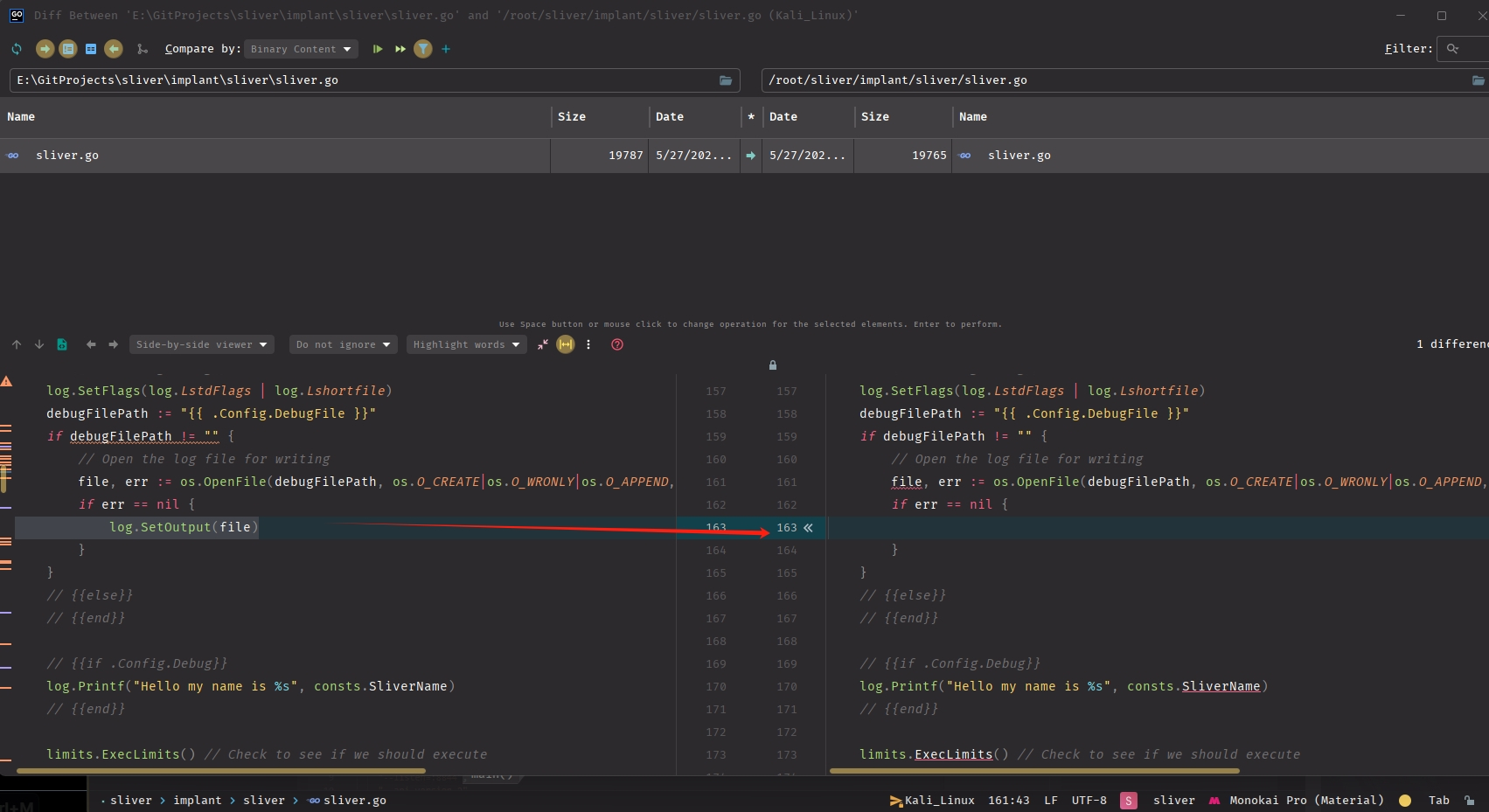
- We can then use “Sync with Deployed to…” button to compare the code between the local environment and the virtual machine, and synchronize any changes made locally to the virtual machine.
Debugging Implant
-
Debugging the Sliver implant is slightly different.
-
To debug an implant, first make sure we built one by passing the’—debug’ flag to the ‘generate ‘ command.
generate --os windows --arch 64bit --format exe --http 192.168.233.128 --debug
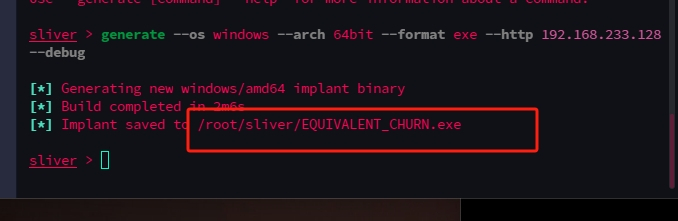
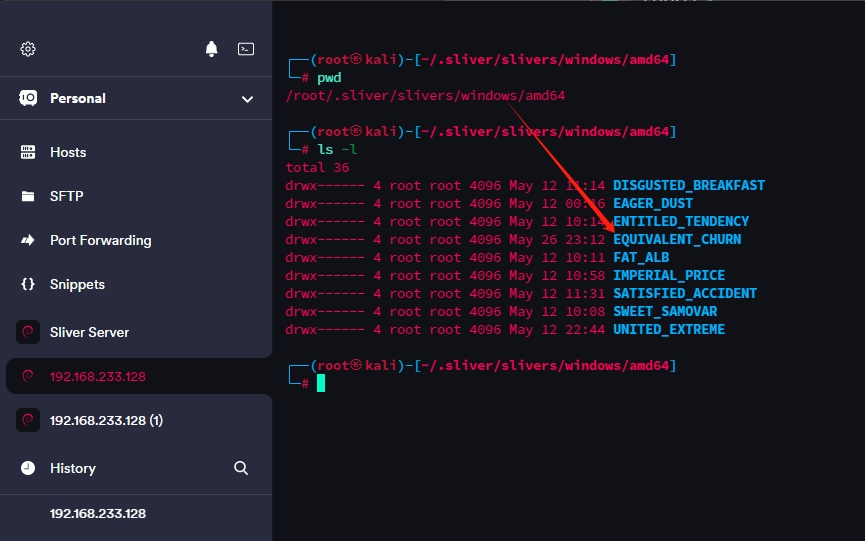
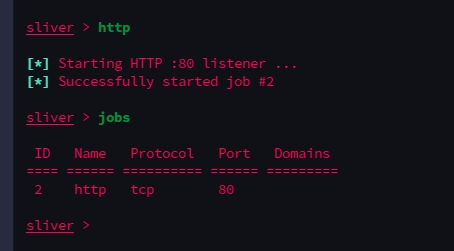
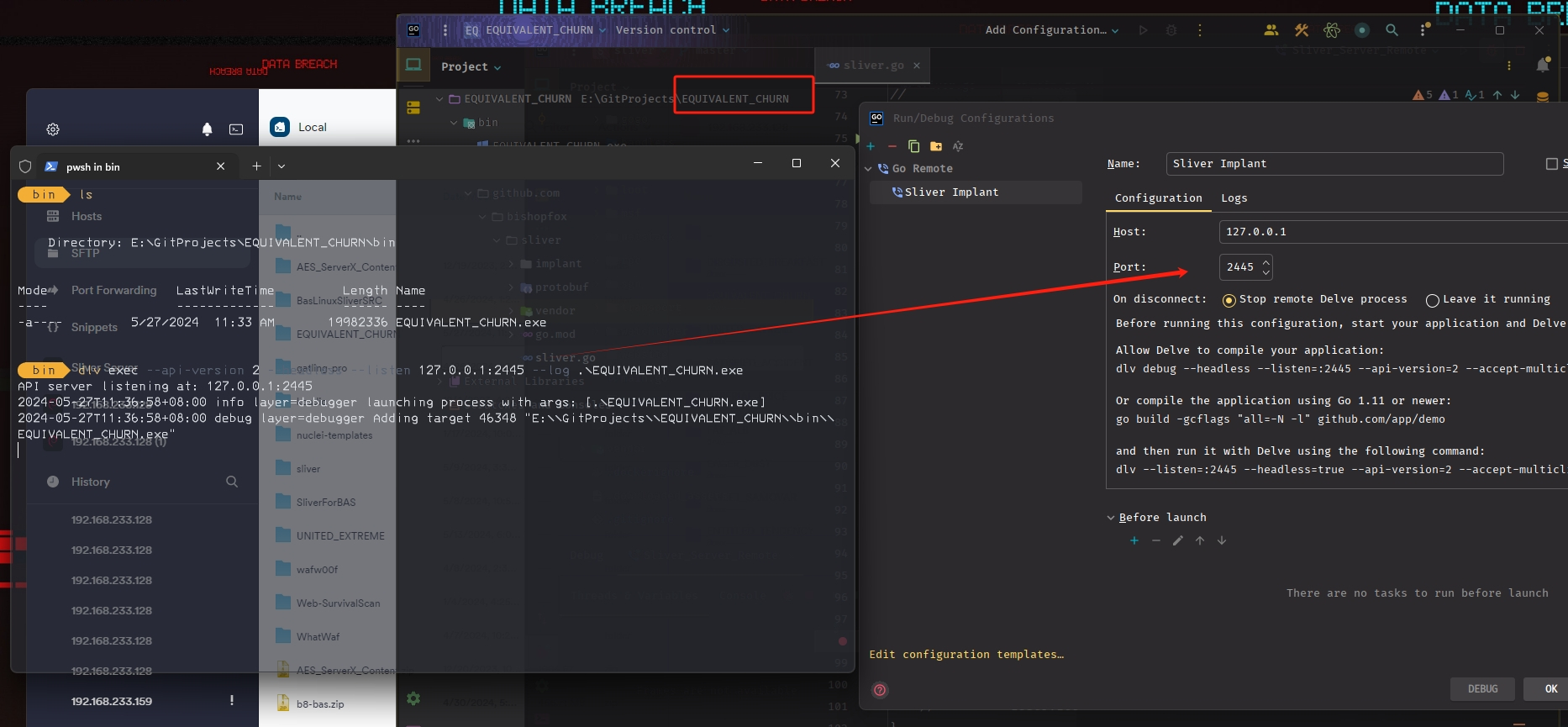
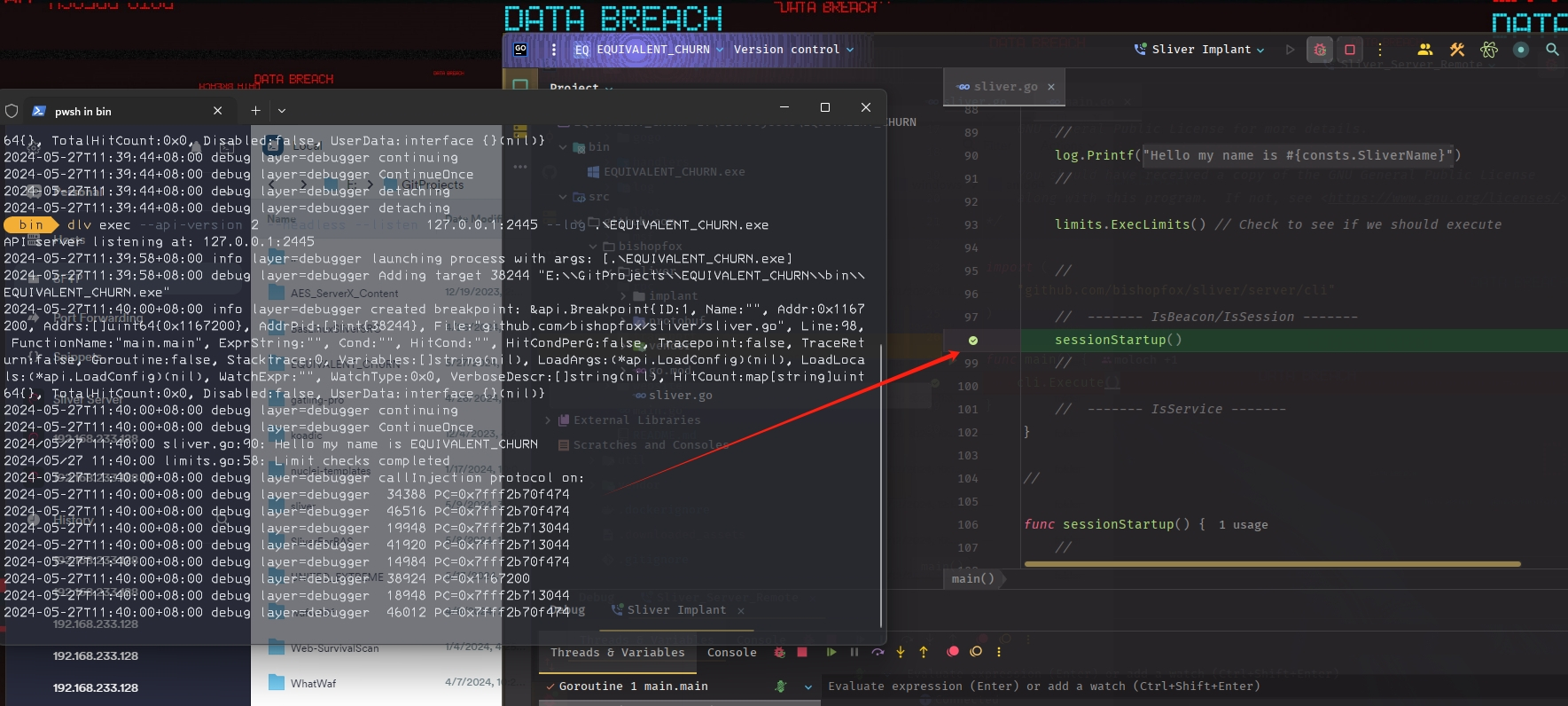
- We need to open the http listener for implant connect to the Sliver server. And we can download the ‘EQUIVALENT_CHURN.exe’ generated by above command to target machine and run it using Delve. Additionally, we can see a folder named ‘EQUIVALENT_CHURN’ under the /root/.sliver/slivers/windows/amd64/ directory, which contains the corresponding implant source code and executable file. We also need to download this folder to our local machine. Then, we can open the source code in Goland, set breakpoints and start debugging.
dlv exec --api-version 2 --headless --listen 127.0.0.1:2445 --log .\EQUIVALENT_CHURN.exe
Reference Link
# Debugging Sliver in official doc
1.https://sliver.sh/docs?name=Debugging